WireFrame's AI Copilot — from a sentence to a datasheet-checked schematic
How the WireFrame EDA AI Copilot turns a written requirement into a BOM, netlist and schematic built from real parts, checks packages and pin maps against datasheets, and repairs rows with /fix.
Update (2026-11): the AI Copilot, SPICE simulation and AI layout with /layout (worked out on a copy, applied only when you say) are all in WireFrame 2.0.4, the current release. The Copilot comes with Pro and Max.
Most "AI circuit design" tools stop at a schematic that looks right. Circuits are not allowed to look right: an LDO in the wrong package or a microcontroller with the wrong pin map is a board order thrown away.
The AI Copilot in WireFrame EDA is built the other way round: every conclusion about a part needs evidence, and you always make the final call.
Open the AI Copilot panel and describe your requirements in natural language:
An ESP32-C3 sensor board, USB-C power, a 3.3 V LDO, two status LEDs and an I²C header.
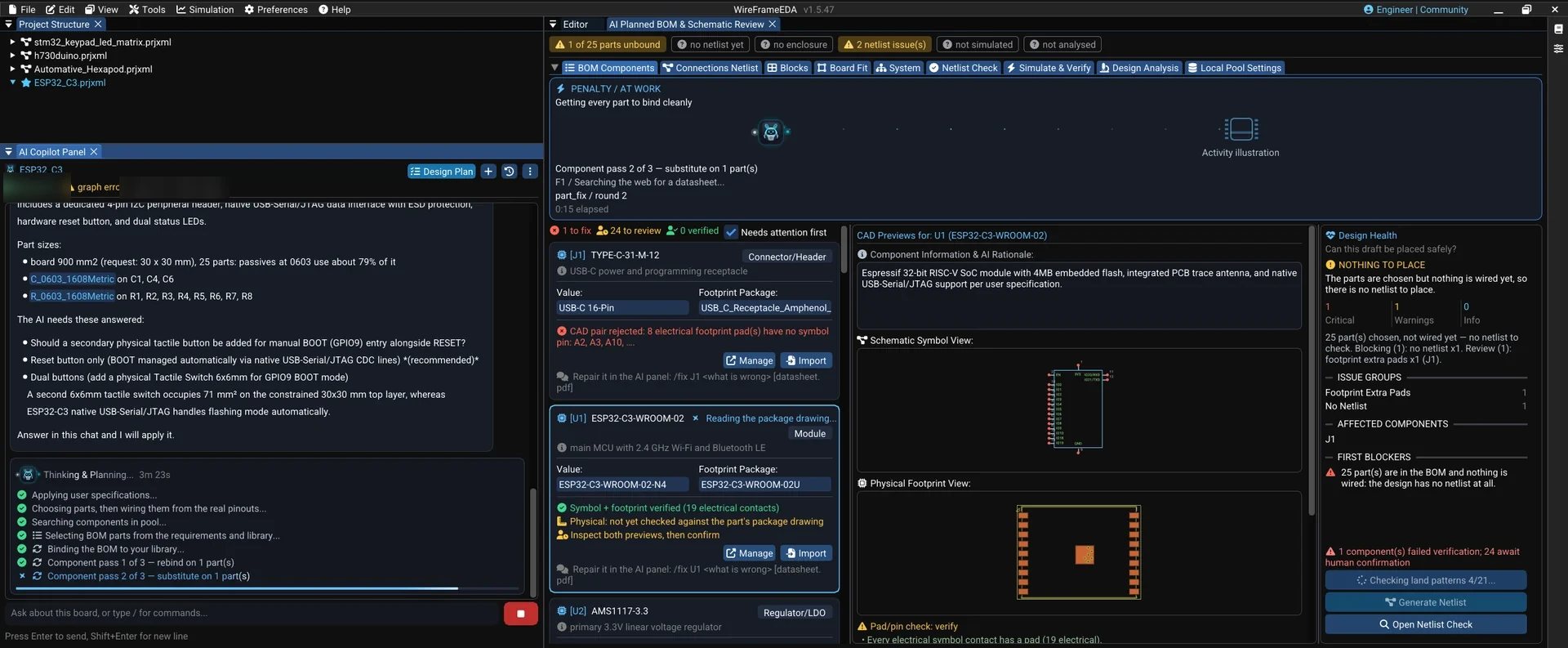
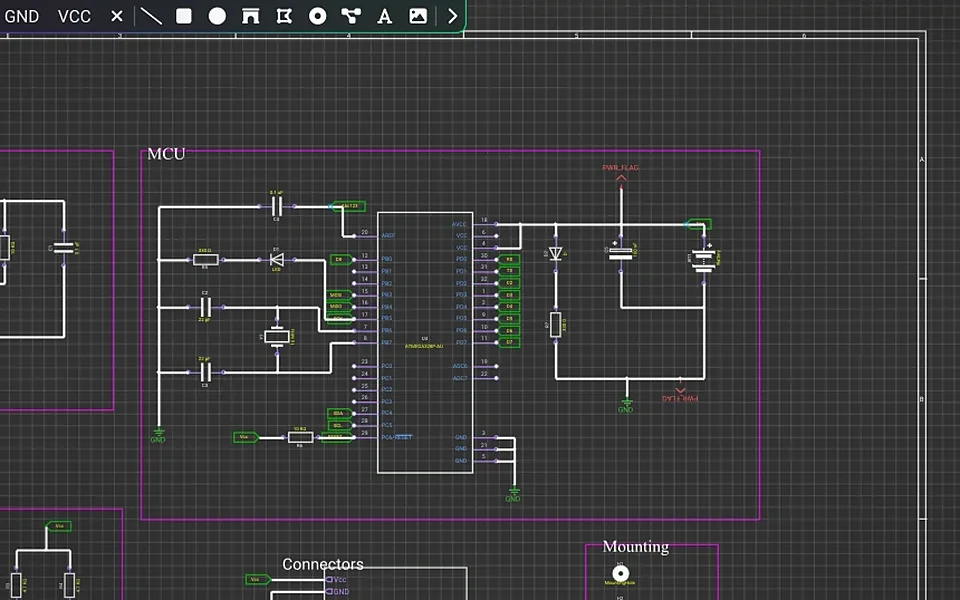
The Copilot researches the requirement, picks real parts, writes the BOM, wires the netlist, and draws the schematic as ordinary WireFrame sheets — open them, drag things around and edit by hand like any other schematic.
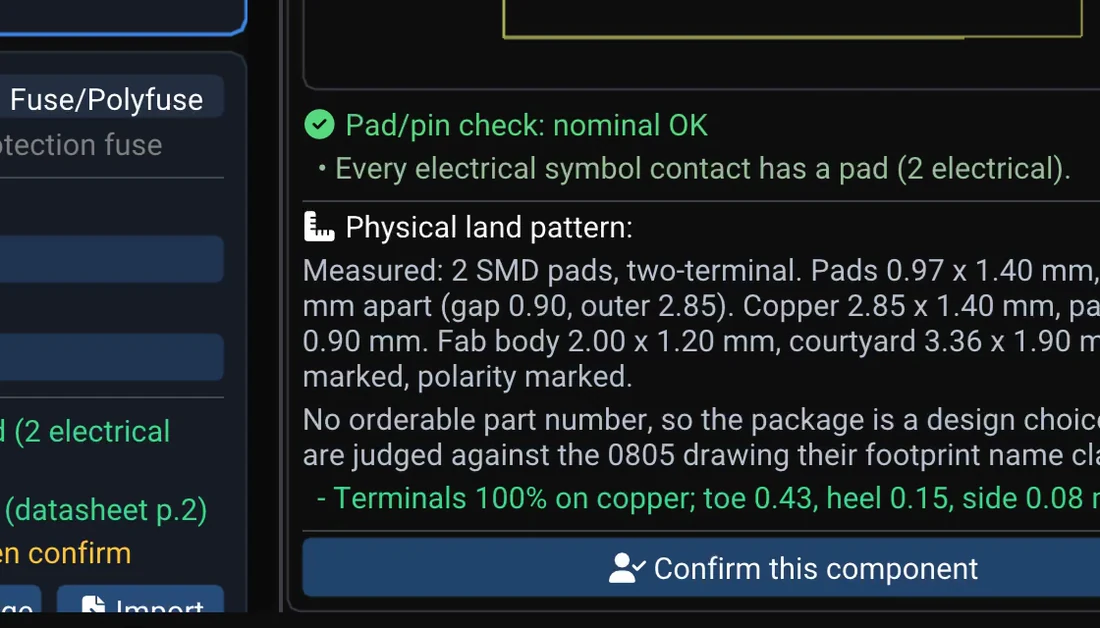
Every BOM row goes through the library reviewer: does the symbol have the right pins, does the footprint have the right pads, does the package in the BOM match the datasheet? When a row is rejected, WireFrame tells you which rule rejected it and why — not just "invalid".
For datasheets WireFrame follows one rule: the model may look for a URL, WireFrame downloads the file itself. A URL the model made up fails to download — and a failed download produces no conclusion. Sources are always tried in this order: the file you attached → libraries you already have → the web.
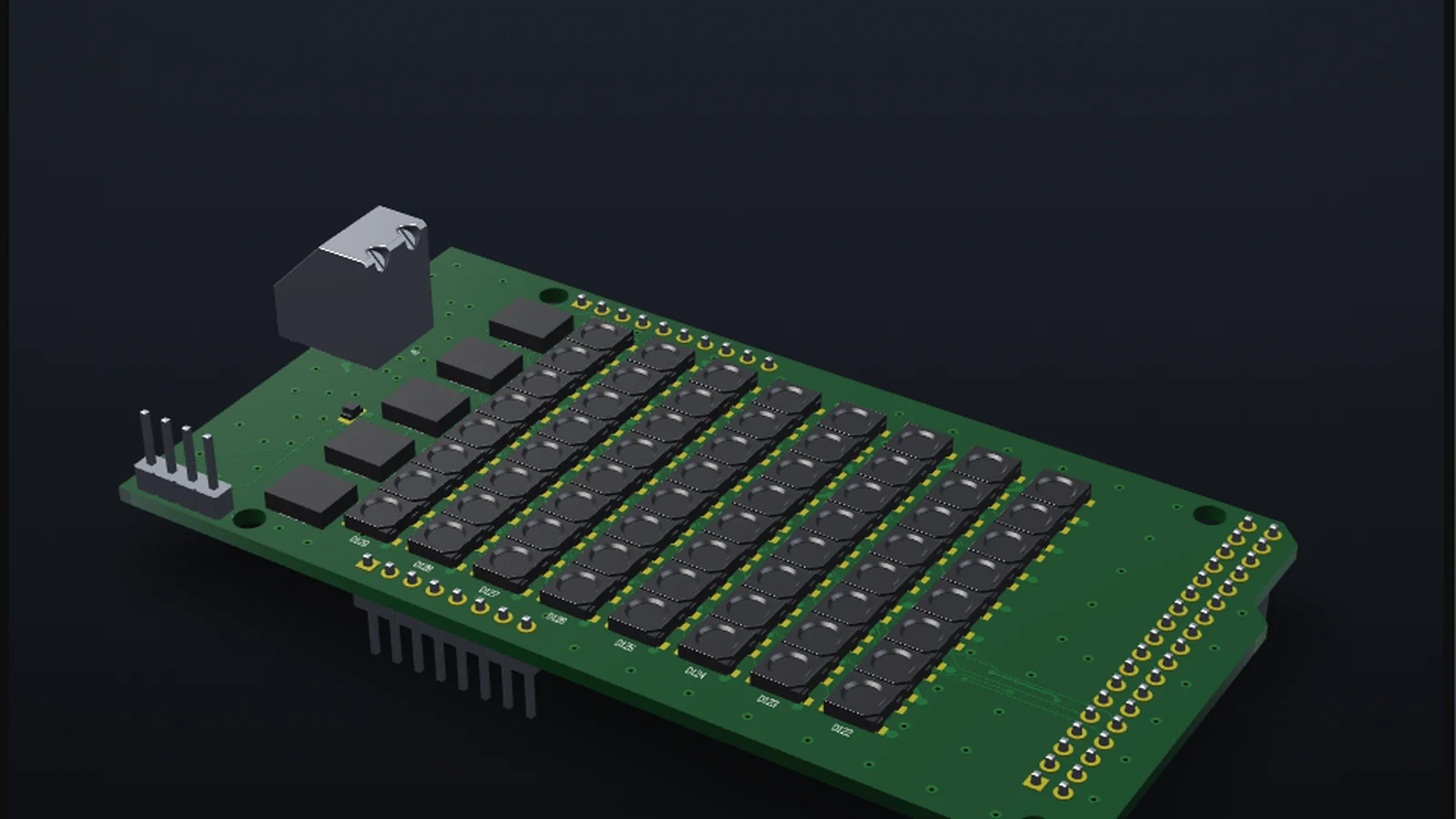
Once the schematic is right you can run SPICE simulation inside WireFrame to check a supply, a filter or an analog stage. AI-assisted PCB layout — placing parts, pouring planes, dropping vias and routing, watched live on the canvas with /layout — is being finished for the next release.
The Copilot runs on WireFrame AI, paid from your plan's AI credit: no keys to get, no model to pick, and the Copilot shows the credit left (how it works).
The AI Copilot comes with the Max and Pro plans; every design tool is free forever. See Pricing.
Projects are files on your computer. When you use the AI, the part of the design a question needs is sent to WireFrame AI. WireFrame's own server keeps your account, your plan and — unless you turn it off — anonymous usage statistics, never project contents.