Short answer: an AI copilot for PCB design should draft, check and propose; a person should decide. In practice: every claim about a part points to a document the tool fetched itself, nothing the AI repaired is used until a person confirms it, layouts and fixes are worked out on a copy, and the engineering choices — package, layer count, one board or several — are asked, not made.
A schematic that looks right is not the bar. An LDO in the wrong package or a microcontroller with the wrong pin map costs a board order. Below are the rules WireFrame EDA's AI Copilot is built around, each with where you meet it in the app and in the guide page What waits for your approval.
1. It should cite a document, not its memory#
Language models are confident about pinouts they have never seen, so the model should not be the source.
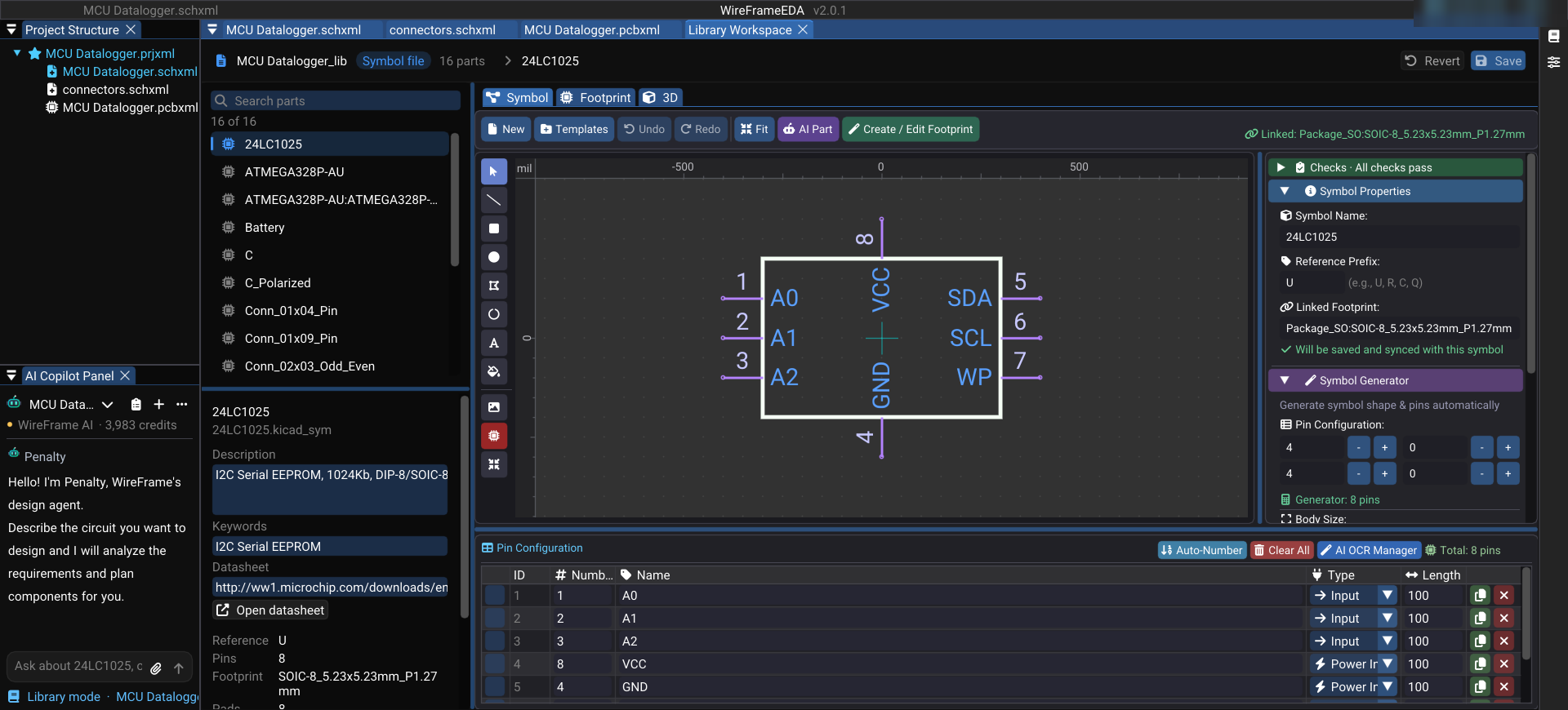
In WireFrame a datasheet comes from, in this order: the PDF you attach, then the published component index, then the web — where the model may suggest a URL, but WireFrame downloads the file itself, keeps a hash of it and extracts the text. A link the model made up fails to download, and a failed download produces no conclusion. Requirements backed by a downloaded page can be cited. Without a datasheet, the Copilot says so and asks for the PDF; a draft written without one is capped so that none of its lines can be reported as a fault.
From WireFrame 2.0.3 the PDF readers ship with the application, so datasheets are read on your own computer; 2.0.4 makes that work on Windows computers without Microsoft's Visual C++ Redistributable. See Datasheet evidence.
2. It should not trust its own repair#
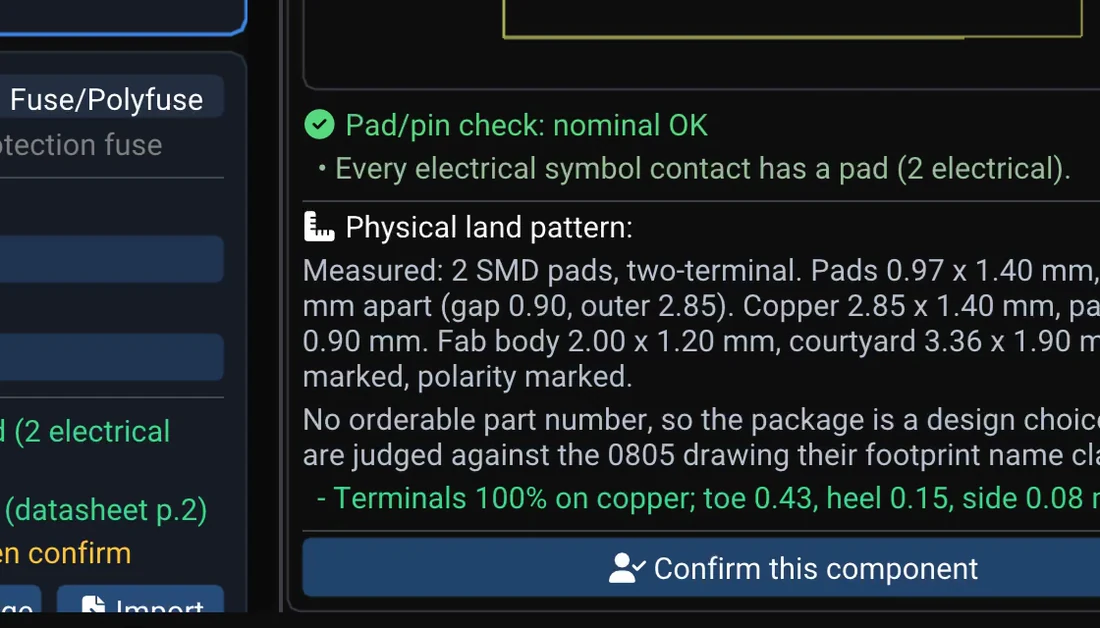
A part the AI repaired, or bound automatically, is not trusted until a person looks at it. You check its Schematic Symbol View and Physical Footprint View, then press Confirm this component; one confirmation covers every row that shares that symbol and footprint. Only what a person confirmed goes to the store every project can reuse — an automatic acceptance is never carried forward.
The checks that run before you see the part are deterministic — pins against pads, the land pattern against the drawing in the datasheet — and when a row is rejected, WireFrame names the rule that rejected it.
Keep reading — it’s free
Sign in or create a WireFrame account to read the rest of this post and every guide on the blog.
- The rest of this post — about 5 min of reading
- The same account signs in the WireFrame desktop app
- Free design tools, no time limit
Sign in to WireFrame
One account for the desktop app and this site.