Evidence, not confidence
A claim about a part points to the rule, the library entry or the datasheet page behind it. The Copilot is not allowed to report what a model merely says it read.
The WireFrame AI Copilot drafts circuits from real parts — and then checks its own work against your libraries and the datasheets, so a wrong package or pin map is caught on screen, not on the board you ordered.
One design, start to sheet. The top lane is you; the bottom lane is the Copilot. Nothing it does reaches your design until you have seen it.
A sentence or a page: voltages, loads, interfaces, the size it must fit, parts you insist on or refuse.
Take the suggestion or write your own. Suggestions you let it fill in stay listed as assumptions you can find later.
Fix a part in a sentence, create or import a missing one, and confirm each card. Nothing repaired is used before you do.
Your edits flow back into the plan and are never undone. Ask for one change at a time and only those blocks are redrawn.
It shows what it found, then asks what is still undecided, one question at a time, each with a suggested answer.
A BOM of real part numbers it has checked your libraries hold, every net and pin, and the circuit grouped into blocks.
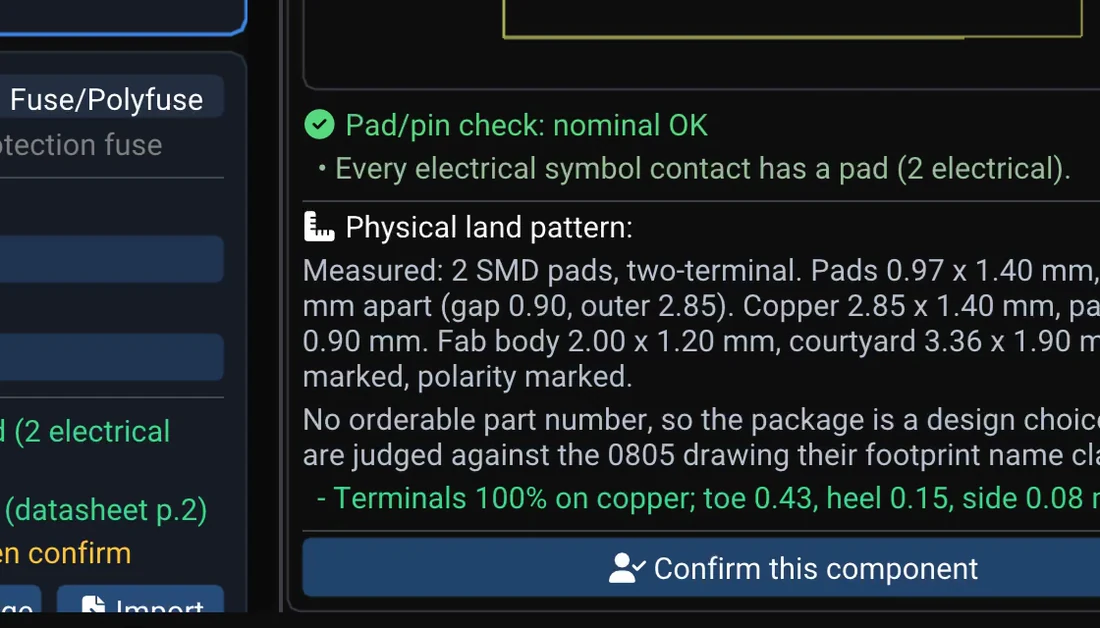
Five checks per part, decided by code rather than the model; a rejection names its rule. Only a downloaded datasheet counts.
Ordinary sheets. A part with a finding is drawn and marked; a block that cannot be drawn yet waits and says what clears it.
/fix U2 ….Steps 05 and 06 as a conversation — an illustration, not a screenshot.
The AI Copilot on a USB-C weather logger: it works out what matters, checks every part against its symbol, footprint and datasheet, wires the netlist, then draws the sheets. Recorded on WireFrame 2.0.1; the AI's working time is shortened.
 01
Write what the board must do. The Copilot researches it, picks real parts, writes the BOM and netlist and draws the schematic as normal WireFrame sheets you can edit.
Read more 02
Every BOM row is checked against your symbols and footprints. A rejection names the rule that decided it — not just "invalid".
Read more 03
The model may look for a datasheet URL; WireFrame downloads and reads the PDF itself. A made-up link fails to download — and a failed download produces no conclusion.
Read more 04
No symbol or footprint for a part? The Copilot drafts both from the datasheet, or pulls the part from LCSC by its part number, and you confirm before it is used.
Read more 05
Describe what is wrong with a part, attach a datasheet if you have one; the Copilot proposes a correction and changes nothing until you accept.
Read more 06
The design can be simulated right after it is drafted, so a supply or filter that does not work is caught before layout.
Read more 07
/review explains the open board — nets, findings, what will break; /findings lists what the deterministic checks found without calling a model at all.
Read more 08
Decisions you make ("use the 0805 version", "keep USB on the left") are remembered for the project across conversations, so the Copilot does not undo them.
Read more 09
Parts are matched by code and checked by rule — your libraries first, then a curated catalogue of 10,000+ parts, then LCSC by exact part number. A part you confirm is reused on the next board.
Read more 10
Type / and the Copilot offers what the panel in front can do: review a schematic, lay out a board, simulate a circuit, or audit a whole library.
Read more 11
/layout places parts, pours planes, drops vias and routes while you watch on the canvas, measures every failure, and applies nothing until you say so.
Read moreFour rules every AI feature in WireFrame follows.
A claim about a part points to the rule, the library entry or the datasheet page behind it. The Copilot is not allowed to report what a model merely says it read.
Everything the Copilot does is an ordinary edit in a WireFrame document. Engineering choices — which package, which value, which supplier suffix — stay yours.
The Copilot runs on WireFrame AI and your plan's AI credit — no keys, no models to pick. Projects stay on your computer; a request carries only what it needs, and WireFrame AI records which task ran and what it cost — not your messages or your design.
Deterministic checks run first and cost nothing. The model is called only when judgement is needed, and fast and design tiers can use different models.
The Copilot runs on WireFrame AI, WireFrame's own AI service, paid from your plan's monthly AI credit (1 credit = $0.01 of AI use). There is no key to get and no model to choose: WireFrame AI picks the model for each task — a stronger one plans circuits, a quicker one answers short questions — and the Copilot shows the credit you have left. Your projects stay on your computer: a request carries only the part of the design it is about, and WireFrame AI records which task ran and what it cost — not what you wrote or drew. The AI Copilot comes with Max and Pro — see Pricing and AI credit and your data.

Claude, Codex, Cursor — the agent you already work in. Over the Model Context Protocol it gets 33 tools, and through one of them the 117 that WireFrame's own Copilot works with: the placer, the router's stages, the power and signal-integrity solvers, the board check. It works on the project open in front of you, and nothing it proposes changes the board until a step applies it.
| Ask your agent | What answers |
|---|---|
| Find where the 3V3 rail loses its voltage | power_run_ir_drop |
| Try four placements, keep the one that routes best | evaluate_layouts |
| Pour a ground plane on the bottom layer | edit_zones |
| How much current can a 0.5 mm trace carry? | ipc_calc |
It needs Pro or Max, and ships with WireFrame 2.0.1. How it works · Connect Claude, Codex or Cursor · How a call counts
Seven rules for an AI that edits your schematic and board: datasheet evidence, a plan before an edit, work on a copy, and a person who approves.
Connect Claude, Codex or Cursor to WireFrame EDA over MCP and let your own agent design the board you have open: setup, the Allow step, what is counted.
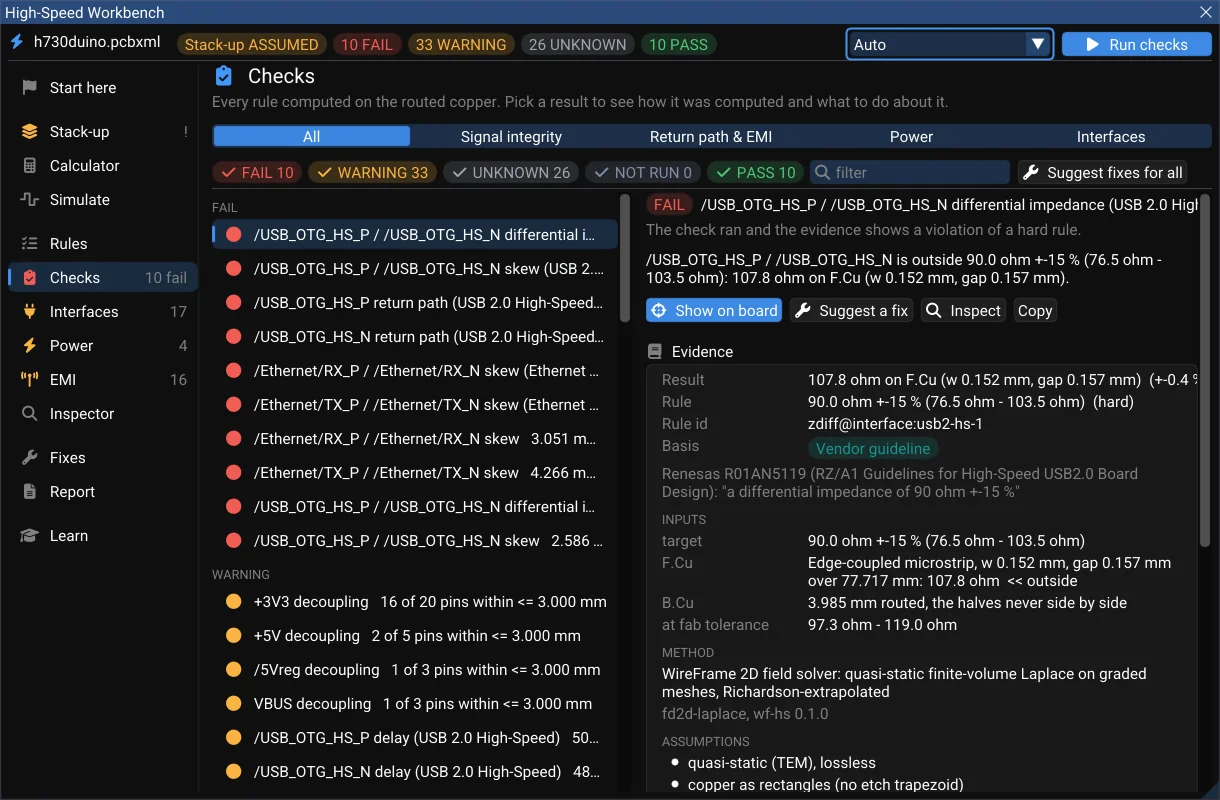
What WireFrame 2.0 brings, written in October 2026 before it shipped — the AI Copilot measured on 20 designs, a High-Speed Workbench and a Power Analyzer that show their evidence, multi-board products, KiCad/Altium/EasyEDA exchange, and what is still being built.
The AI Copilot is available in WireFrame today.
It turns a written requirement into a BOM, a netlist and an editable schematic built from real parts; checks every part against your libraries and its datasheet; drafts missing symbols and footprints; repairs a part on request with /fix; runs SPICE on the result; and reviews the open board. Every change is a normal edit you can review.
No. It drafts and checks; you decide. Choices such as package, value or supplier suffix are left to you, and the Copilot proposes a correction before it changes anything.
Conclusions need evidence. Library checks are deterministic and name the rule that decided. For datasheets the model may only suggest a URL; WireFrame downloads and reads the PDF itself, and a link that does not download produces no claim.
WireFrame AI, WireFrame's own AI service. It picks the model for each task, your plan's AI credit pays for it, and the app shows WireFrame AI and the credit you have left — there are no keys or models to set up.
Your projects stay on your computer — there is no cloud copy. A Copilot request carries your message and only the part of the design it is about. It goes to WireFrame AI, which adds WireFrame's instructions and checks your plan; it records which task ran and what it cost, not the contents.
The AI Copilot is a paid feature: Pro at $17 a month includes 700 credits and Max at $89 includes 4,000. One credit is $0.01 of real model spend, and a whole board drafted and checked costs about 90-160 of them — so roughly five boards a month on Pro and thirty on Max. The free plan has schematic, PCB layout, 3D, SPICE and fab output, and no Copilot.
English and Vietnamese.
Yes, from WireFrame 2.0.1: over the Model Context Protocol your own agent works on the board open in WireFrame, with 33 tools and, through them, the 117 design tools the Copilot uses. It needs Pro or Max; Pro includes 500 tool calls a month and Max has no monthly ceiling. From WireFrame 2.0.3 only a call that changes the design or puts WireFrame's own agent to work is counted; reading and checking are free.