PCB design, AI & WireFrame
Practical guides on board design, high-speed routing, moving from KiCad, sample boards and AI-assisted electronics.
What an AI copilot for PCB design should and should not do
Seven rules for an AI that edits your schematic and board: datasheet evidence, a plan before an edit, work on a copy, and a person who approves.
How to design a PCB with Claude over MCP in WireFrame EDA
Connect Claude, Codex or Cursor to WireFrame EDA over MCP and let your own agent design the board you have open: setup, the Allow step, what is counted.
WireFrame EDA development update — October 2026
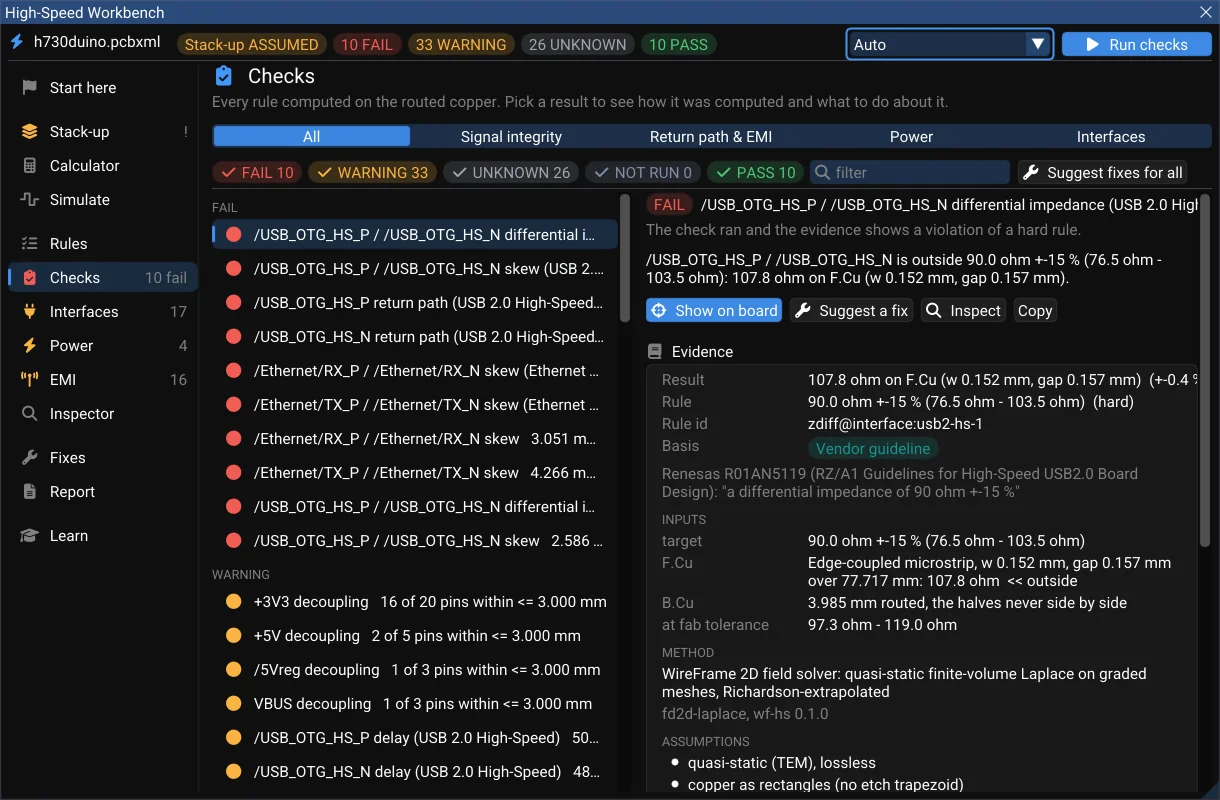
What WireFrame 2.0 brings, written in October 2026 before it shipped — the AI Copilot measured on 20 designs, a High-Speed Workbench and a Power Analyzer that show their evidence, multi-board products, KiCad/Altium/EasyEDA exchange, and what is still being built.
How WireFrame finds the right part for every BOM row
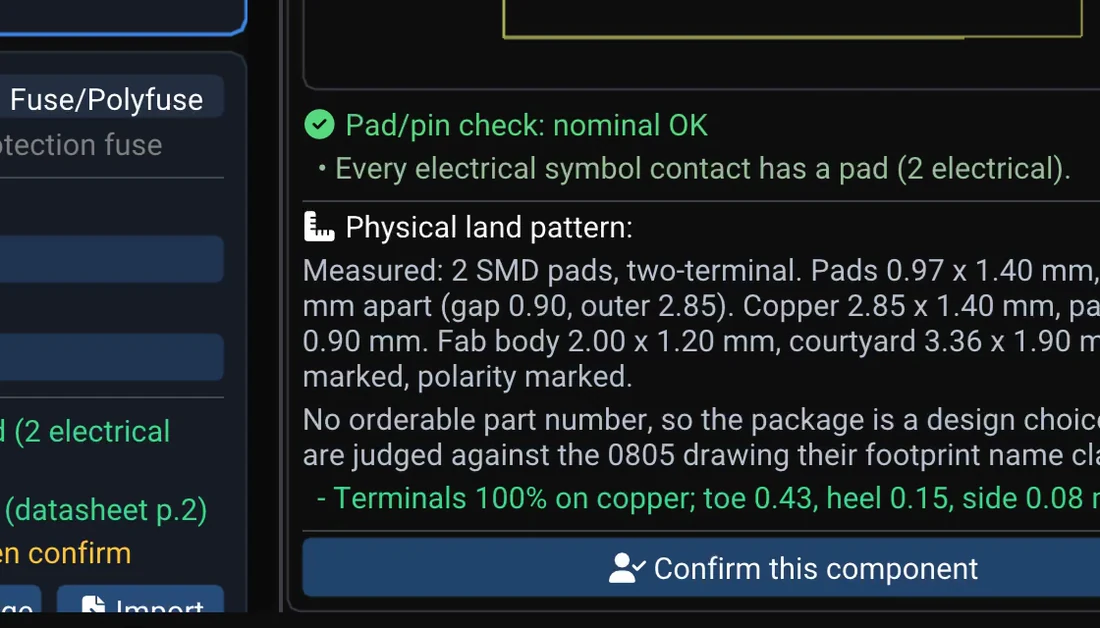
Where WireFrame looks for a symbol and land pattern, the checks every candidate must pass, why a part you confirm is reused on the next board — and how the AI Copilot reads the same library instead of guessing.
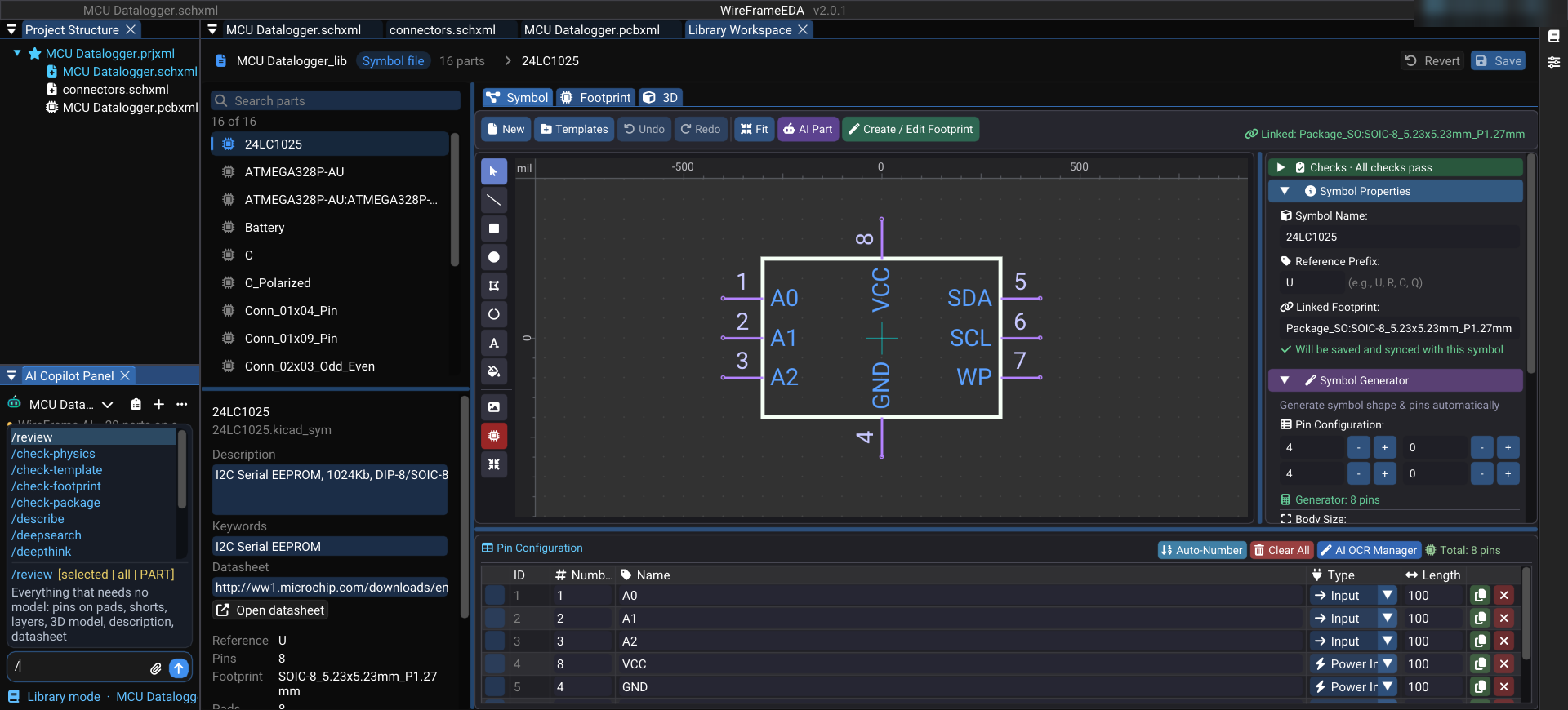
Copilot commands, panel by panel
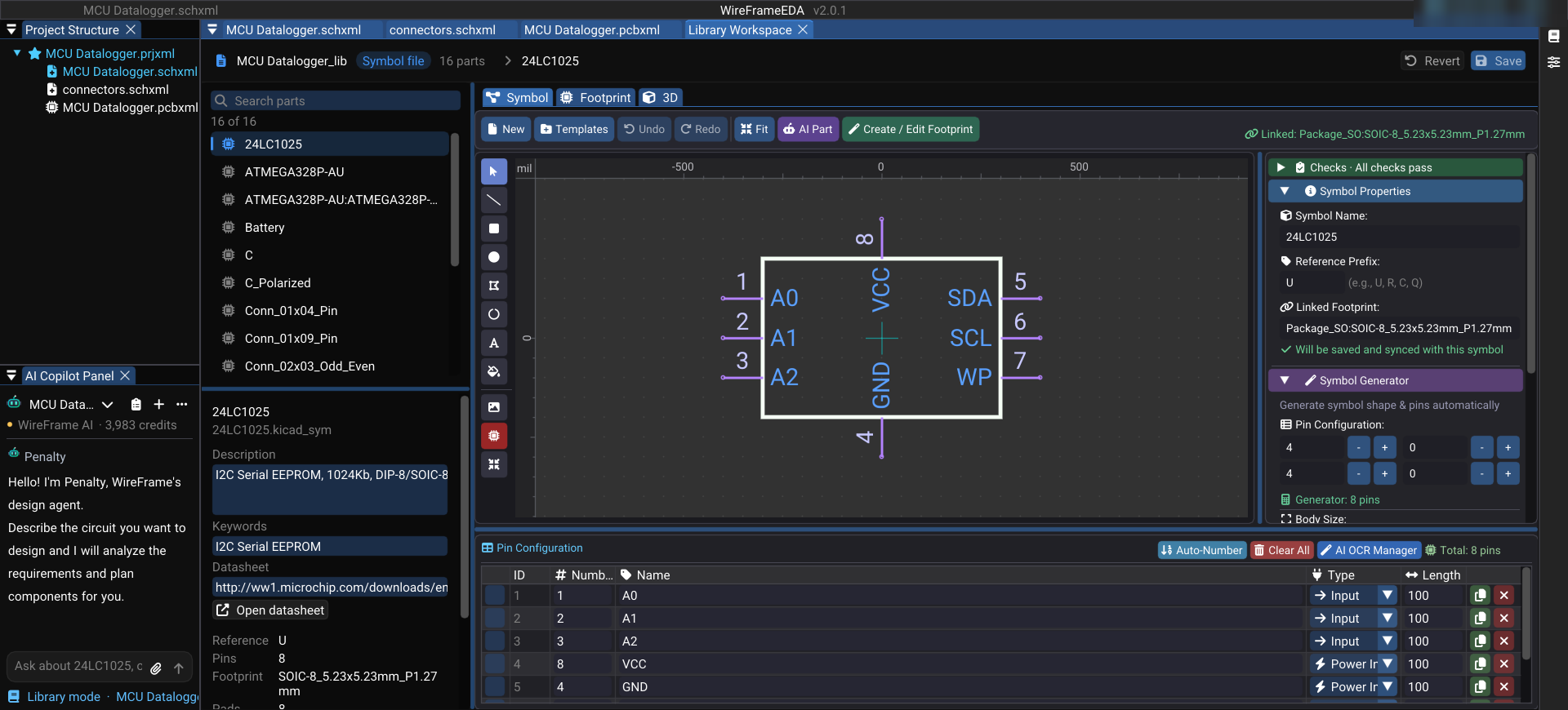
What the AI Copilot's / commands do on a schematic, a PCB, the simulation workbench and the Library Workspace — what each one is for, which ones need no model at all, and why the list changes with the panel in front.
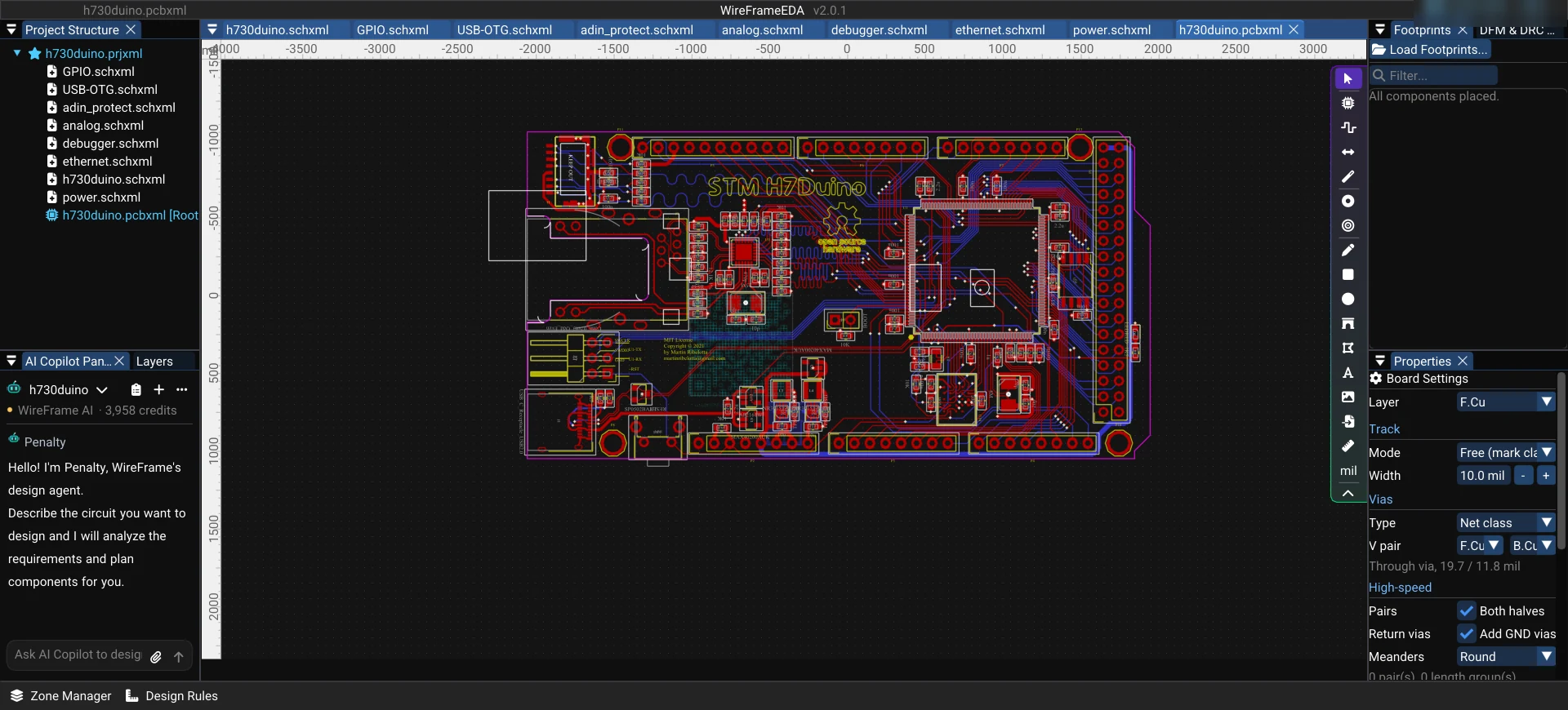
What is WireFrame EDA? A modern AI-assisted PCB design tool
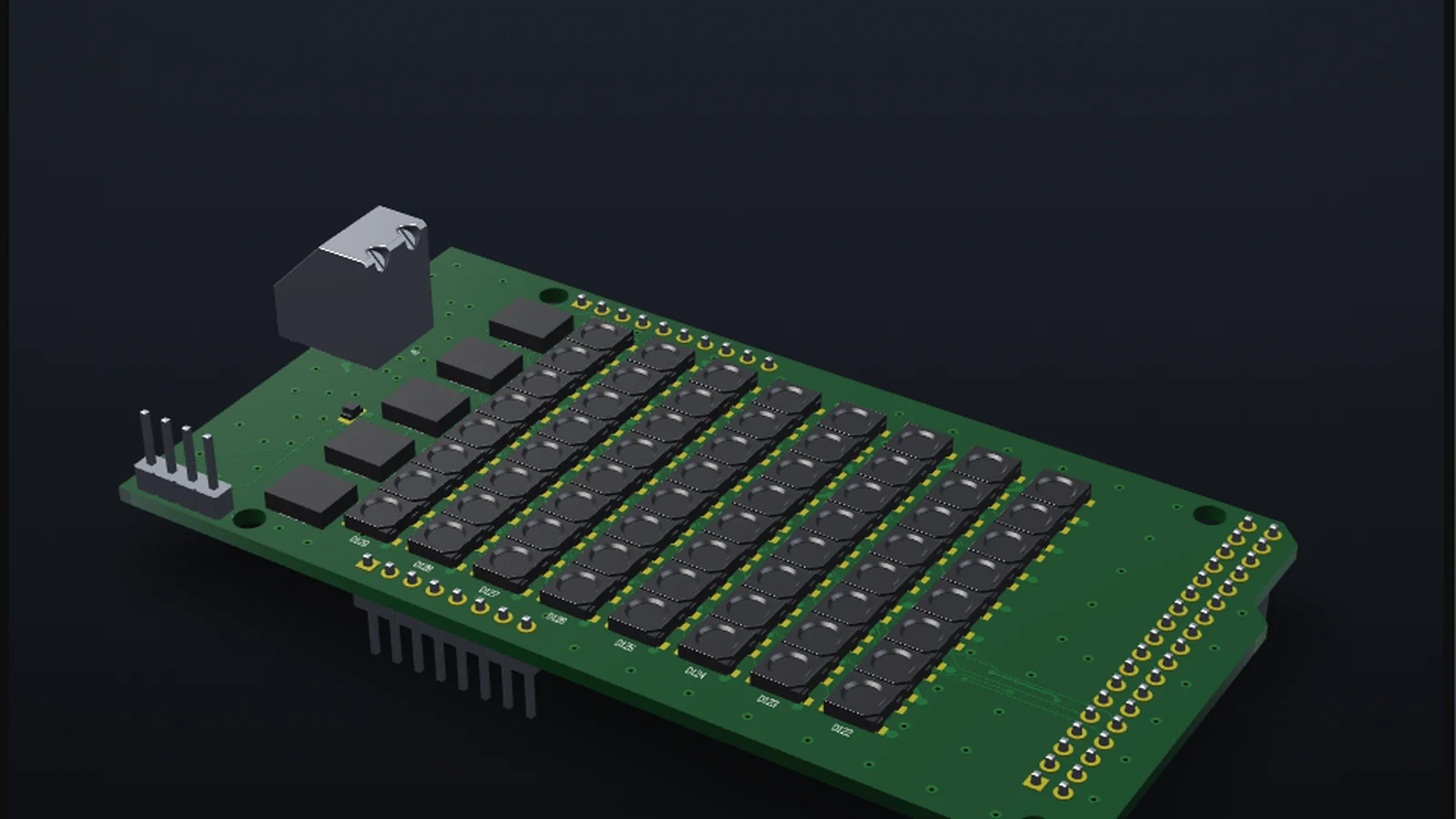
WireFrame EDA is a desktop PCB design application for Windows, macOS and Linux — schematic, layout, 3D, Gerber export and SPICE simulation — with an AI Copilot (Pro and Max) that drafts schematics from a description.
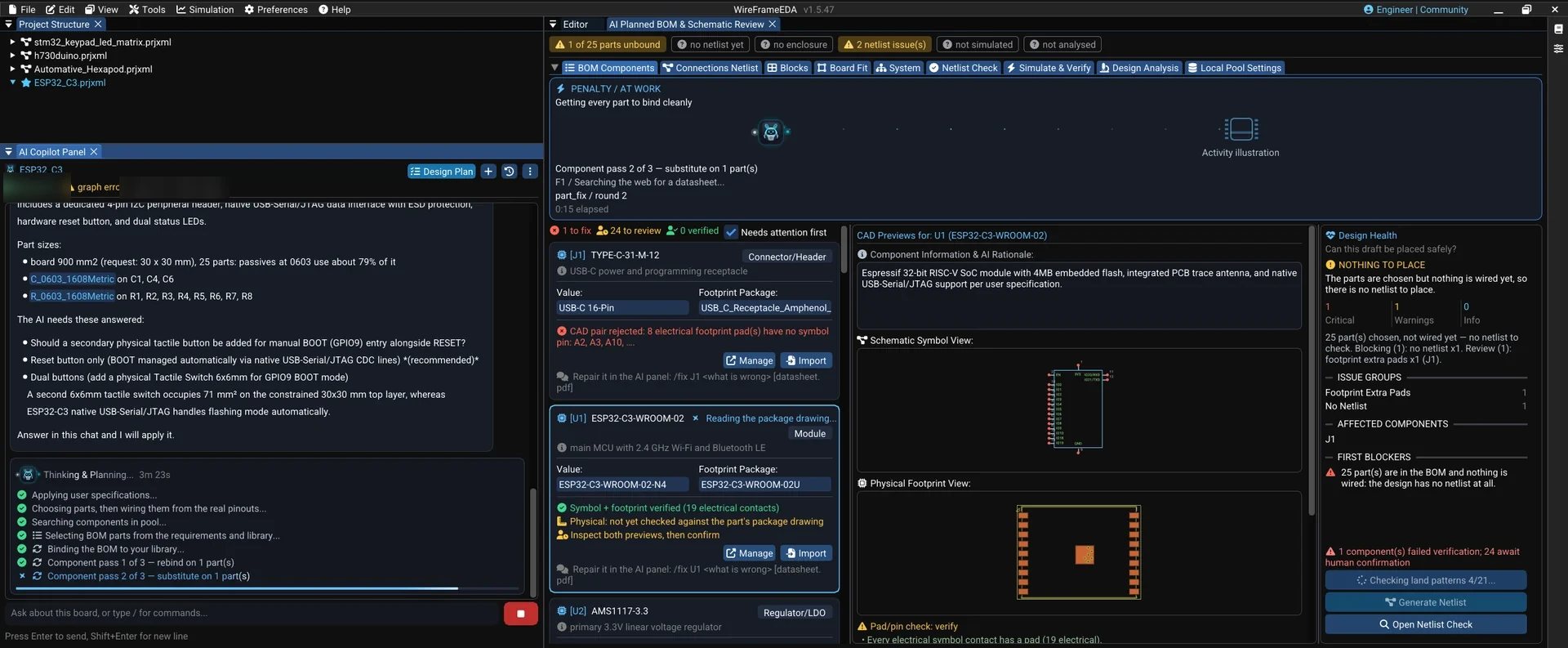
WireFrame's AI Copilot — from a sentence to a datasheet-checked schematic
How the WireFrame EDA AI Copilot turns a written requirement into a BOM, netlist and schematic built from real parts, checks packages and pin maps against datasheets, and repairs rows with /fix.