What is WireFrame EDA? A modern AI-assisted PCB design tool
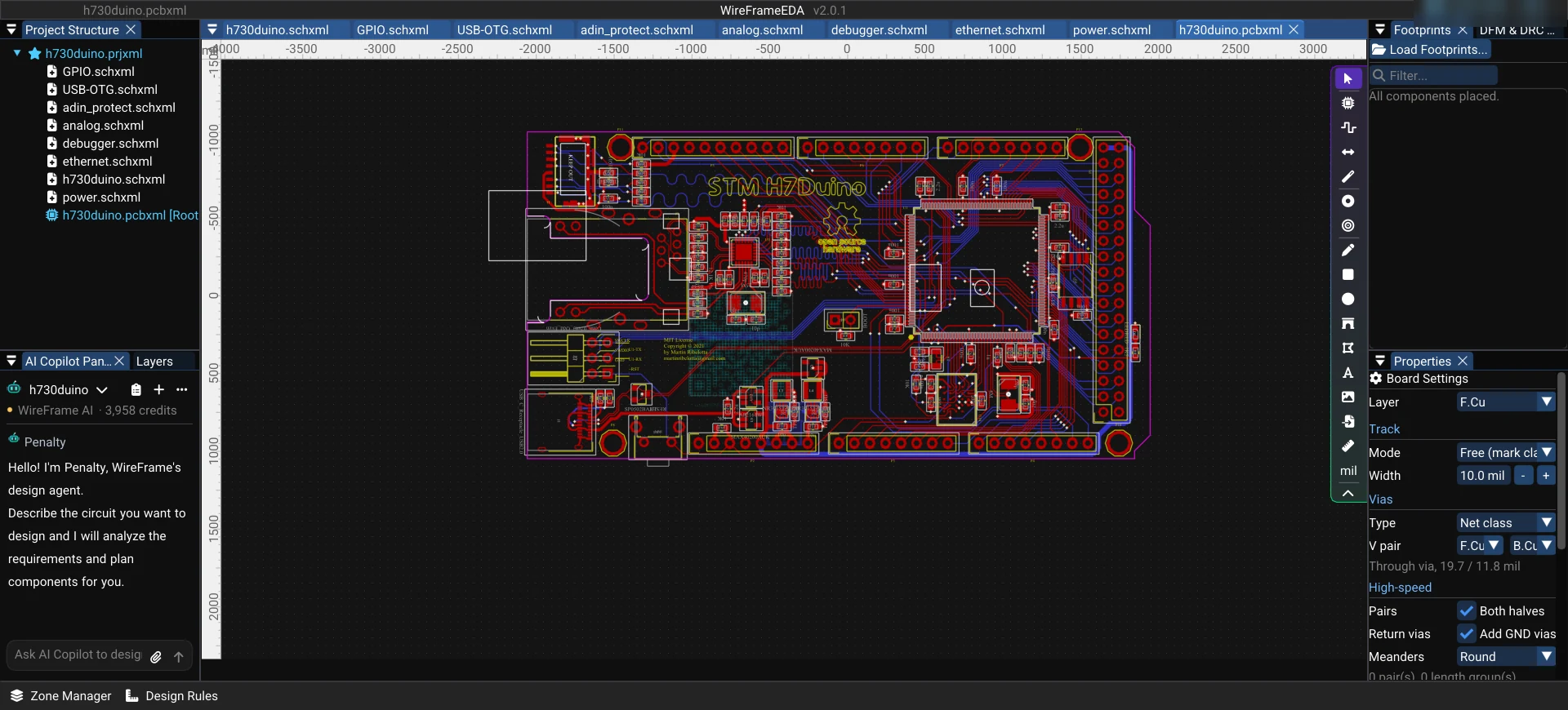
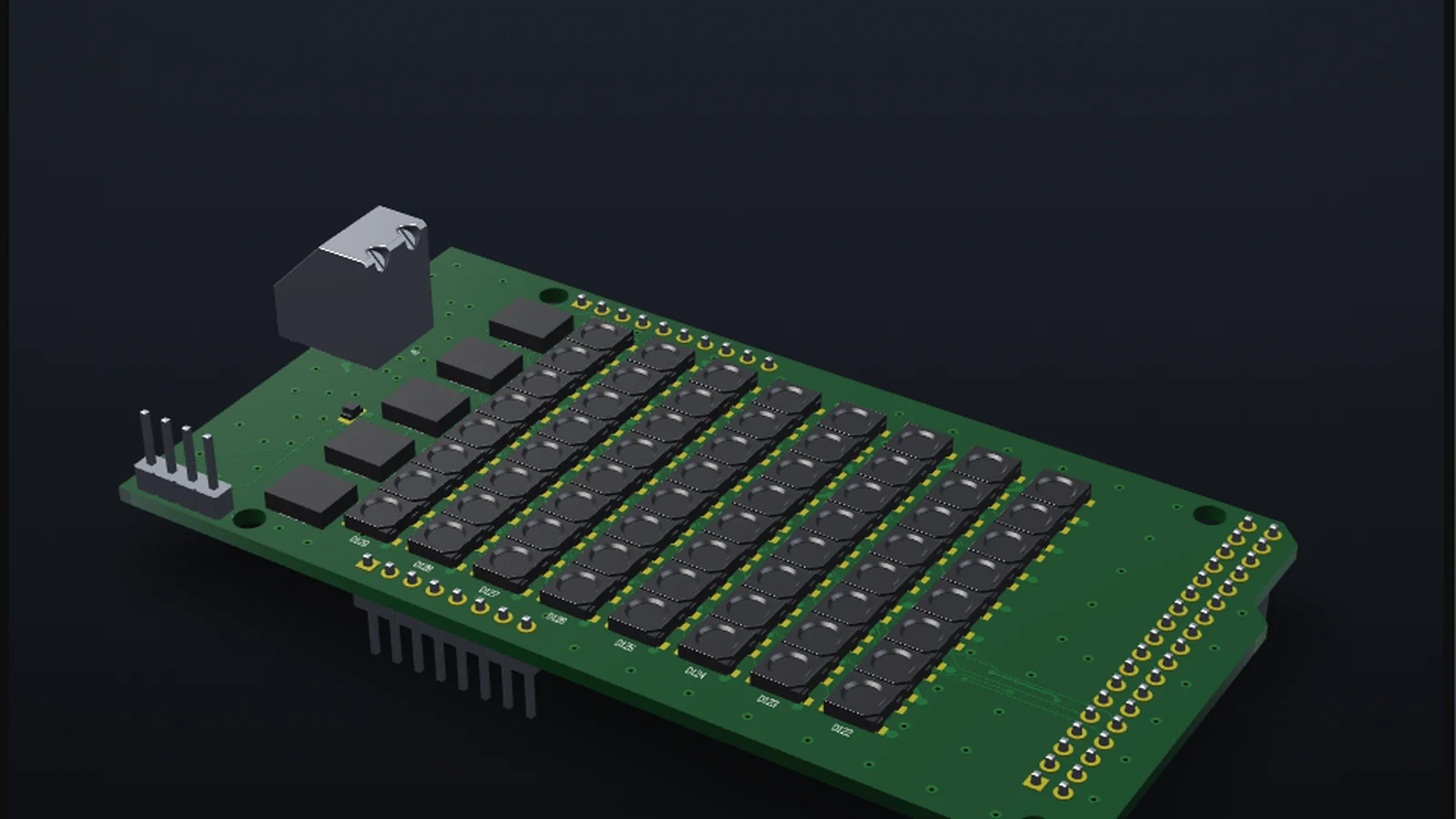
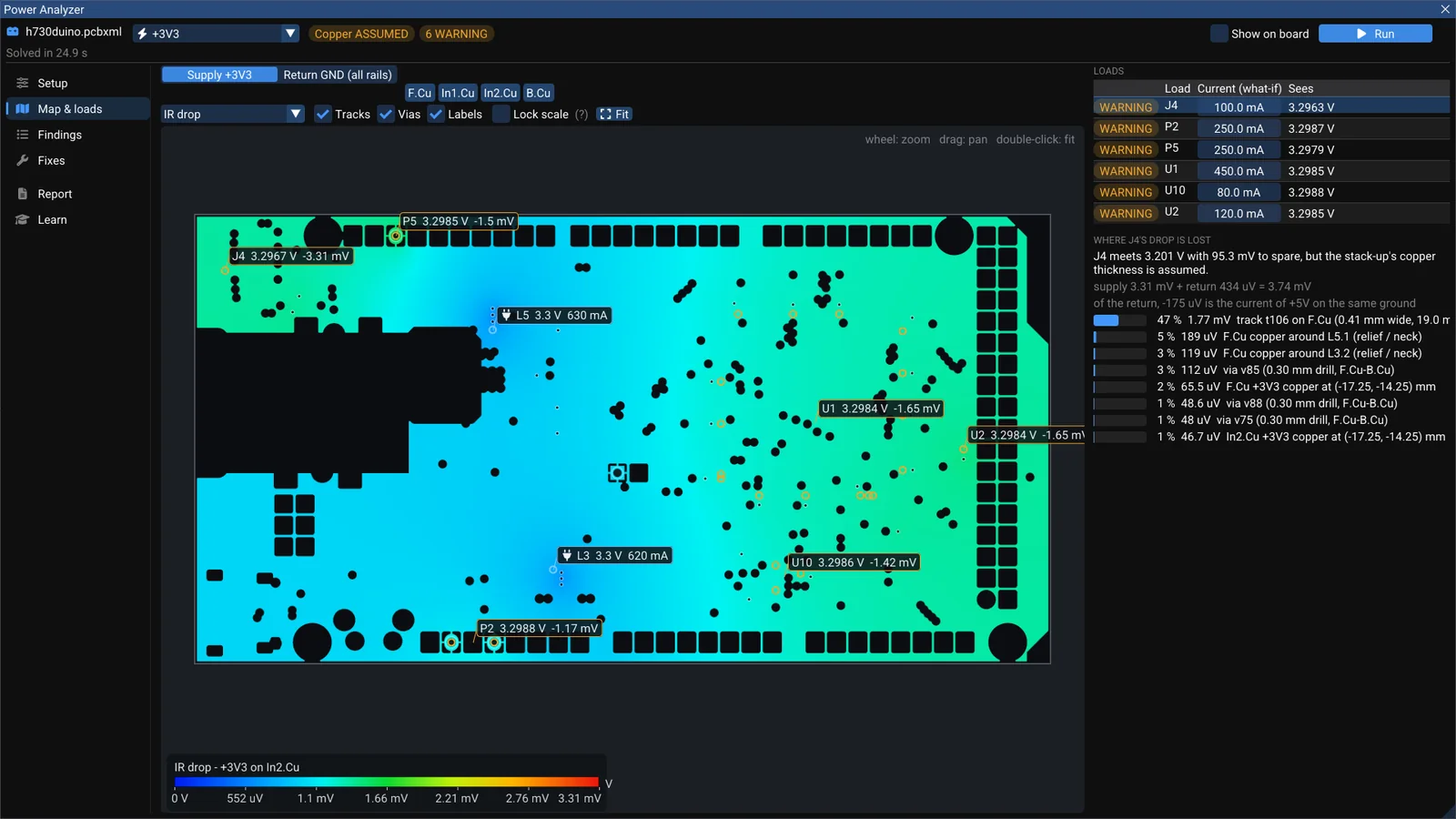
WireFrame EDA is a desktop PCB design application for Windows, macOS and Linux — schematic, layout, 3D, Gerber export and SPICE simulation — with an AI Copilot (Pro and Max) that drafts schematics from a description.
Update (2026-11): SPICE simulation (free) and the AI Copilot (Pro and Max) shipped in WireFrame 2.0.1; the current release, 2.0.4, also opens Altium projects, exports to KiCad, Altium and EasyEDA, and has an MCP server for your own agent.
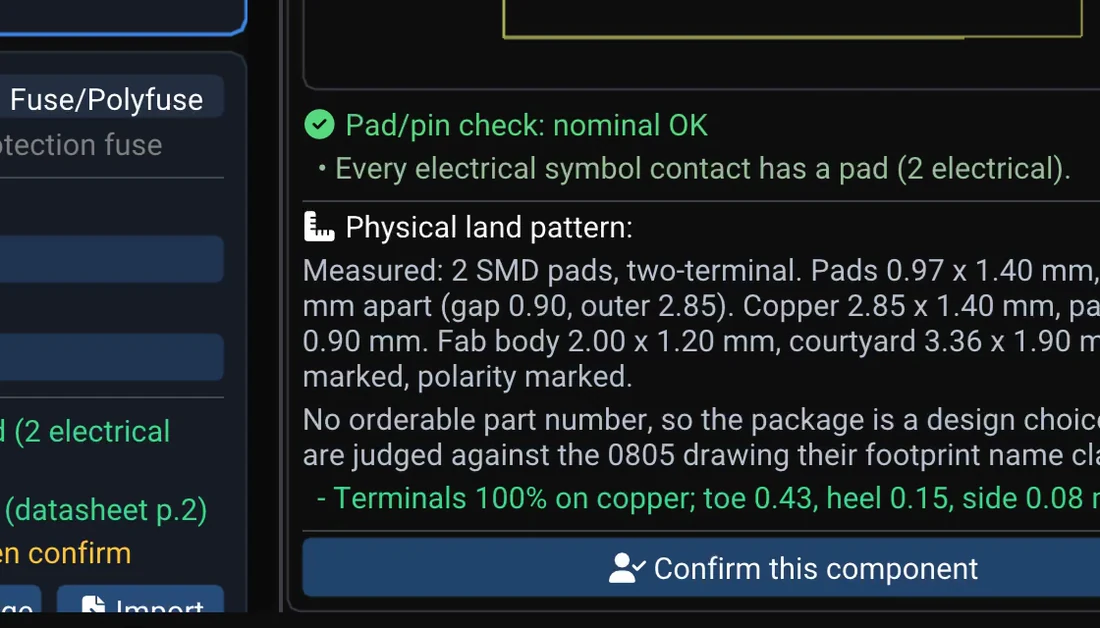
WireFrame EDA is a desktop electronic design automation (EDA) application for schematic capture, PCB layout, 3D board preview, SPICE simulation and Gerber export. What sets it apart is the built-in AI Copilot: describe a circuit in plain language and it drafts the BOM, netlist and schematic from real parts, checks them against your libraries and verifies with SPICE — and, from the next release, reviews each part against its datasheet before it reaches your board.
WireFrame is built independently with high-performance C++17 and runs natively on Windows 10/11, macOS (Apple Silicon) and Linux.
Most of the time spent on a board is not the idea — it is checking. Is this the right footprint? Does the pin map match the datasheet? Is the clearance enough for the fab? These mistakes are cheap on screen and expensive once the boards arrive.
WireFrame is built so the tool checks with you:
When the AI proposes a part, it has to point to the rule or the datasheet page behind its conclusion. No evidence, no conclusion.
Every AI change is an ordinary edit in a WireFrame document — you can review it and change it by hand.
Your projects are files on your computer (.prjxml, .schxml, .pcbxml), not locked in a cloud.
Open the app and sign in once with email, Google or GitHub.
Create a project, or use File › Import › KiCad Project to open an existing KiCad design.
From the next release, to try the AI: sign in with a Pro or Max plan and describe your circuit in the AI Copilot panel.
The full documentation is at docs.wireframe.com.vn. If you represent a PCB fab, a component distributor or a university and would like to support WireFrame, see the Sponsor page.
For members
Keep reading — it’s free
Sign in or create a WireFrame account to read the rest of this post and every guide on the blog.
The rest of this post — about 2 min of reading
The same account signs in the WireFrame desktop app