How WireFrame finds the right part for every BOM row
Where WireFrame looks for a symbol and land pattern, the checks every candidate must pass, why a part you confirm is reused on the next board — and how the AI Copilot reads the same library instead of guessing.
A BOM row is a promise: this part, on this land pattern, with these pins. Get it wrong and the board is wrong however good the schematic looks. This post explains how WireFrame keeps that promise — for parts you add by hand and for parts the AI Copilot plans — and why it is fast enough to run on every row, every time.
The one-line answer: matching is code, not a model. The Copilot may propose a part. Whether it binds is decided by deterministic checks that give the same answer on every run and name the rule when they say no.
WireFrame first scores everything in the pool against the row:
your project's own library (lib_<project>, beside the project file),
parts a person confirmed on an earlier project,
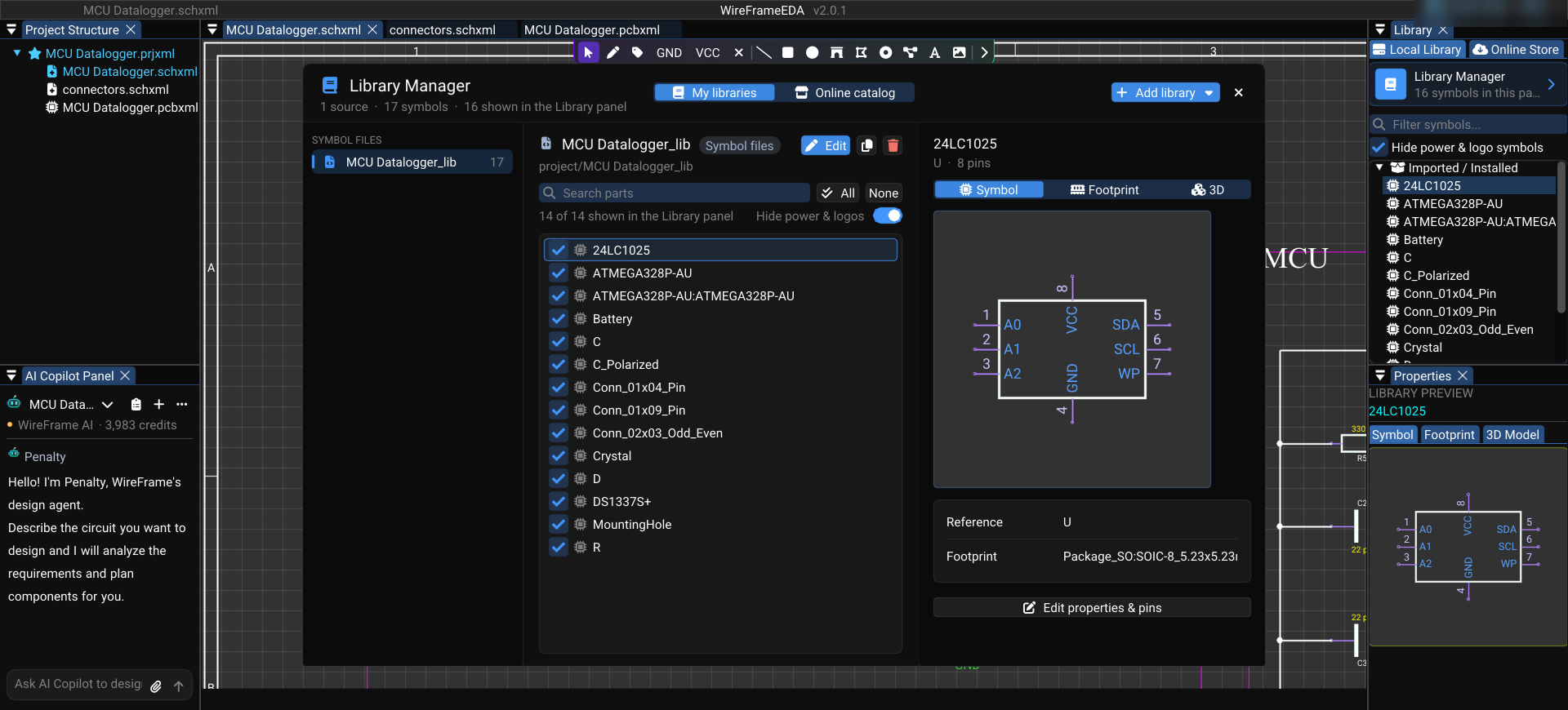
the libraries you loaded, plus a targeted scan of the library clones on disk — KiCad's official libraries and others.
Only when nothing in the pool passes does it go further: WireFrame's published library (a curated catalogue of 10,000+ parts, each with a symbol, a footprint and usually a 3D model), then LCSC by the row's exact part number, and only then a generated draft that waits for you to confirm it.
The order matters. A real part beats a fabricated one — but a wrong real part is the worst outcome of all, because it looks right. So every candidate, wherever it comes from, passes the same checks.
Is it the same kind of part? A resistor row does not take a connector symbol
Contacts
Does it have as many electrical pins as the row declares — and where did that number come from?
Pins against pads
Does every symbol pin have a pad with the same number, and no pad left over?
Physical fit
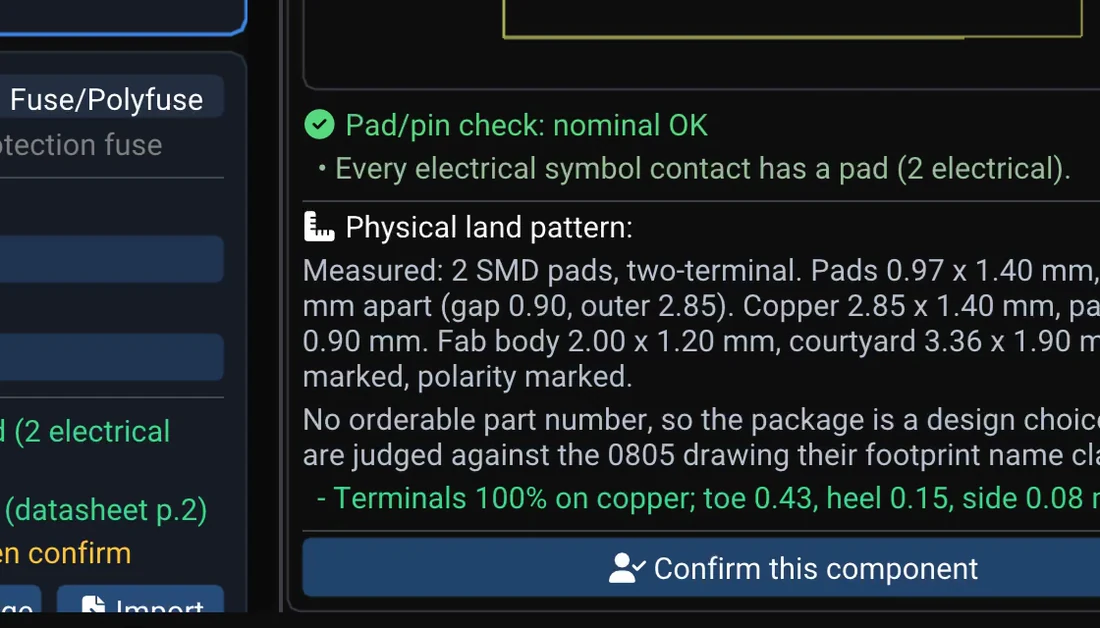
Do the pads fit the package the part really has, measured against its drawing?
Copper
Do pads of different signals short, or sit closer than 0.1 mm?
A refusal is never just "invalid": the BOM card says which rule decided and why, so you know whether to repair the part, the library or the row.
The copper check is calibrated on all 15,447 footprints in KiCad's library. Two overlapping pads are an error only when the symbol says they carry different signals — a manufacturer joining ground to an exposed pad is normal; the same overlap between VIN and VOUT is a dead board.
KiCad family names. KiCad draws a family — SHT4x, LM78xx — while your BOM names an orderable part: SHT40-AD1B-R2, LM7805CT. WireFrame reads the trailing x as the order code's characters, so the family symbol is found. (We found this one the honest way: an SHT40 kept being left unbound in our own Copilot demo while SHT4x sat loaded in the pool.)
LCSC, exactly. Only an exact part number is taken. AMS1117-3.3S is a different part from AMS1117-3.3; it is listed for you, never taken. The downloaded part is checked again — part number and contact count — and its symbol and footprint are written together or not at all.
Confirmed once, reused — and judged again. When you confirm a part, a copy is kept for the next project, so the next board with the same regulator does not pay for the search again. It is still judged against the new row, because last month's board may have used another package. An automatic acceptance is never carried forward: that would be the machine agreeing with itself.
Projects stay apart. A project's own library is used by that project only. Before this rule, an 0603 footprint from one project could be offered to a 470 µF capacitor in another.
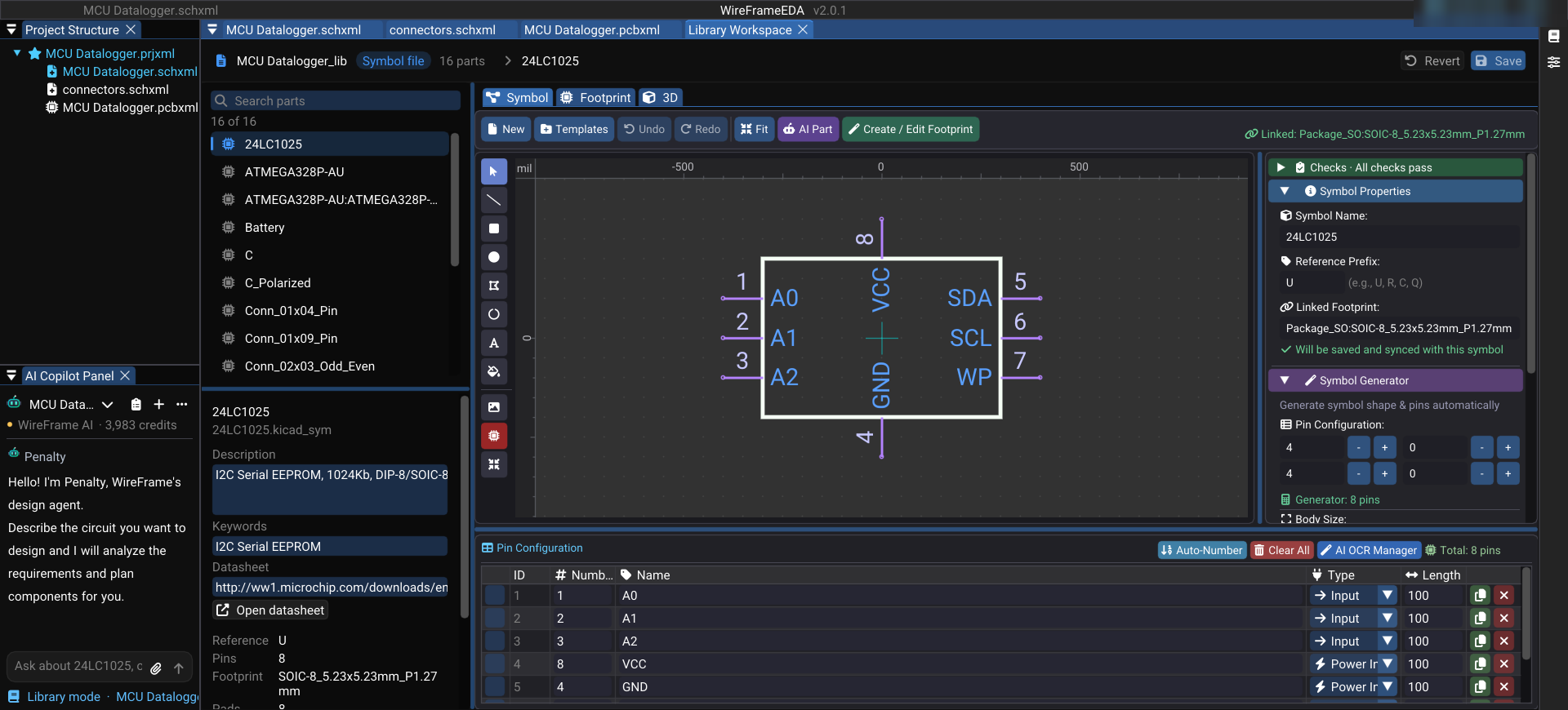
Editing happens in the Library Workspace: the library's parts on the left, the open part's details, and the symbol and footprint editors embedded beside them. With the workspace in front, the Copilot works on library parts — one, a selection, or the whole library:
/review all — pins on pads, shorts, layers, 3D model, description, datasheet; no model call
/describe all — descriptions and search keywords for parts that have none
/deepsearch all — datasheets: the model names a URL, WireFrame downloads it; only a link that downloaded is written
/deepthink U1 — the datasheet read pin by pin, a page cited for each, held against the symbol
The Copilot reads the library — it does not remember it#
The AI Copilot is given tools that read this machine's library and is told to use them before it names a part:
search_library — what can be placed today, searched by function or by class;
check_pool — whether a part is in the pool this project binds from;
lookup_datasheet — a datasheet URL to cite, not text to repeat;
get_contract — what a part needs electrically; when no contract covers it, the requirement is stated as unknown.
An empty search limits what the Copilot may place, never what it may recommend: it tells you what is missing and offers the options — install, generate, or choose another part. The decision stays yours.