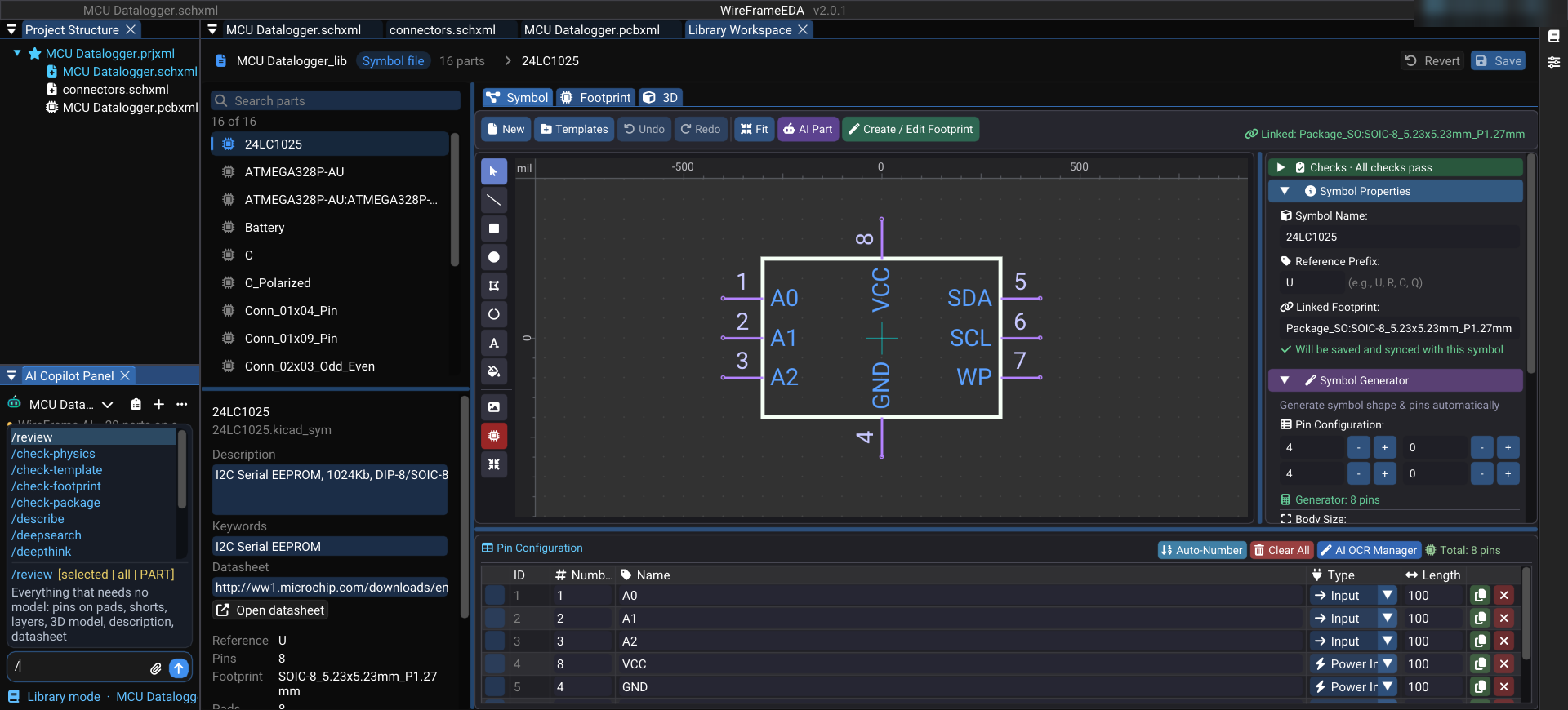
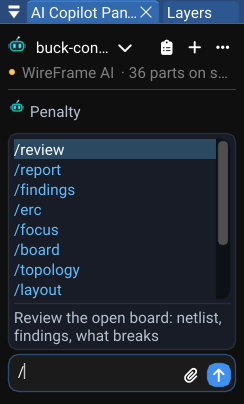
Type / in the AI Copilot chat and a list of commands opens. It is not the same list everywhere: the Copilot offers the commands of the panel in front of it. On a schematic you get the schematic's commands, on a board the board's, in the Library Workspace the library's. This post walks through each panel — what the commands do, and what each one is for.
Three rules shape the list:
- A command that cannot do anything here is not offered here. From a PCB, the commands that read a design still being planned in the chat have nothing to read.
- What the last answer told you to run comes first. If a reply says "run
/retry-bom", that is the top row. - Typing a name always works. The list decides what is suggested; a command typed in full runs from any panel.
Some commands make no model call: they read WireFrame's own data, answer instantly, cost nothing and give the same answer every time. They are marked below — reach for them first.
While a design is being planned#
Before a schematic exists, the Copilot holds a draft: requirements, a BOM, a netlist being wired.
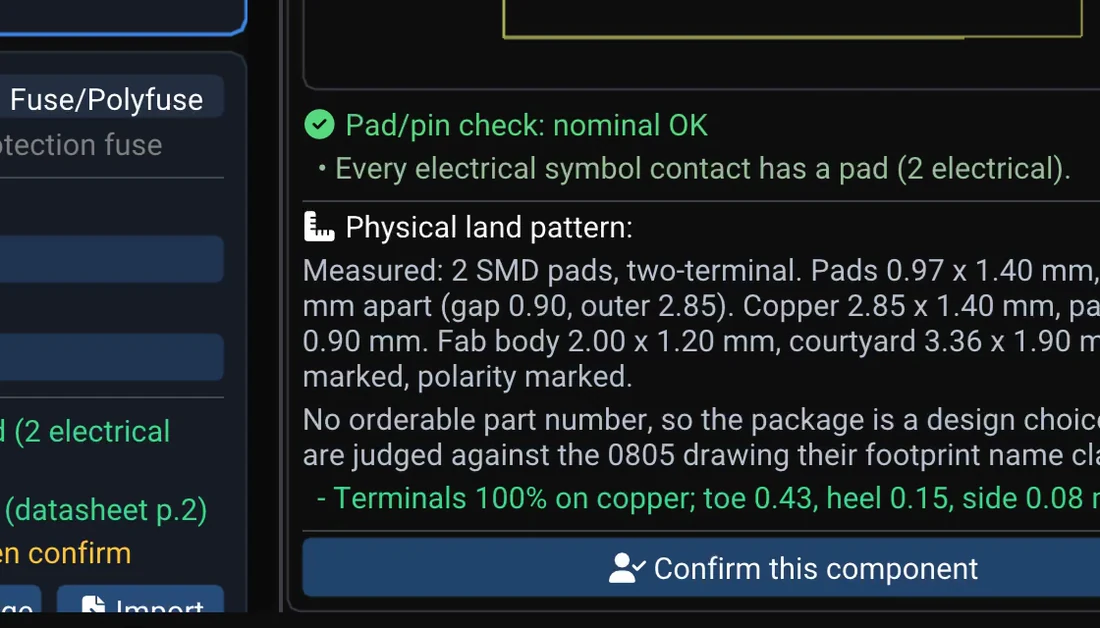
/bom,/nets,/missing— the BOM, every net with its pins, and the parts with no library symbol. No model call./issues— numbered findings, each with why it matters and what its fix would do; answer withfix 2oraccept 3 because …./specs— what the design was built from, and what was assumed for you./fix U2 <what is wrong> [datasheet.pdf]— repair one part with evidence; nothing changes until you accept./symboland/footprint— design one part's symbol or land pattern from a description, pinout images or a datasheet, built live in the editor.
Keep reading — it’s free
Sign in or create a WireFrame account to read the rest of this post and every guide on the blog.
- The rest of this post — about 3 min of reading
- The same account signs in the WireFrame desktop app
- Free design tools, no time limit
Sign in to WireFrame
One account for the desktop app and this site.