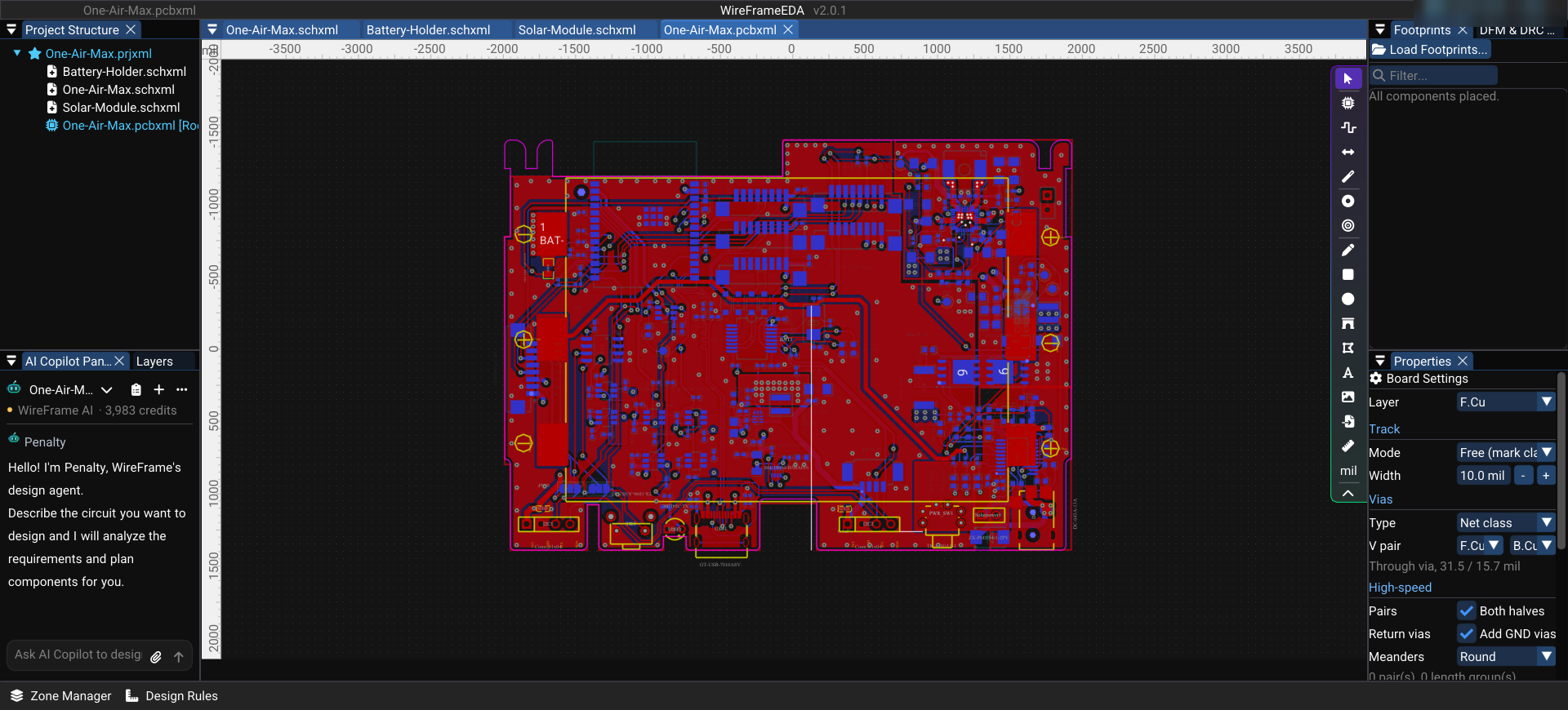
One-Air-Max is an air-quality sensor board from KiCad's demo projects. On 99 × 72 mm and four copper layers it combines an ESP32-C6 module with its printed antenna, a BQ25672 solar/battery charger, a TPS62902 buck converter, load switches and a sensor front-end — 210 parts in all.
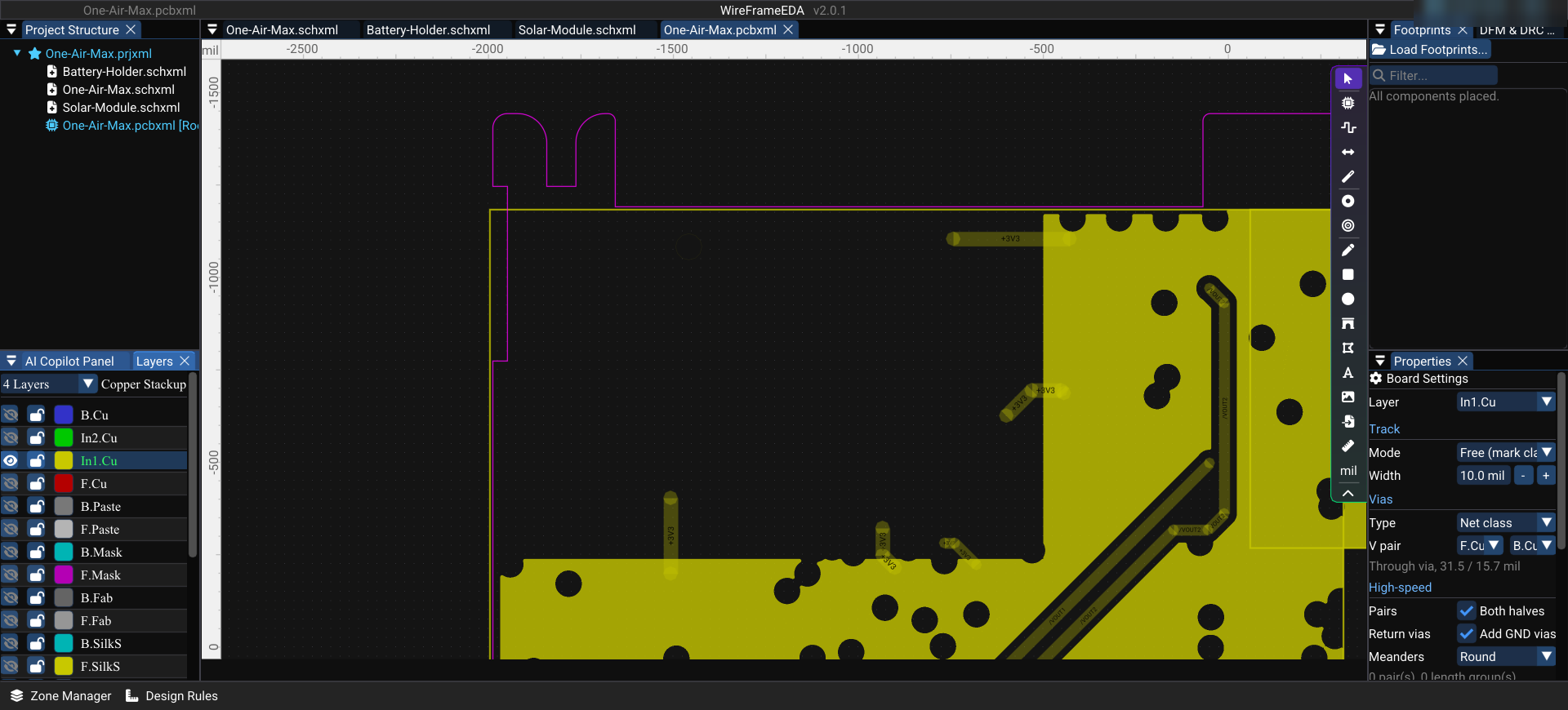
What makes it interesting to read is the radio: the module's printed antenna only works if there is no copper under or around it, on any layer.
Opening it#
One-Air-Max.kicad_pro is a KiCad 9 project. File › Import › KiCad Project (.kicad_pro, .pro)… imports it; WireFrame reads its rule areas too, so the antenna keepout arrives as a keepout.
What WireFrame measures#
| Metric | Value |
|---|---|
| Board size | 99.45 × 72.00 mm |
| Copper layers | 4 |
| Parts | 210 footprints |
| Nets | 156 |
| Routed copper | ≈ 3.7 m in 355 track pieces, 410 vias |
| Keepouts | 3 rule areas that forbid copper pours |
| DRC | 42 errors, 63 warnings |
The DRC count has not been reconciled with KiCad's DRC line by line yet — read it as a list to check rather than a verdict.
Keep reading — it’s free
Sign in or create a WireFrame account to read the rest of this post and every guide on the blog.
- The rest of this post — about 1 min of reading
- The same account signs in the WireFrame desktop app
- Free design tools, no time limit
Sign in to WireFrame
One account for the desktop app and this site.