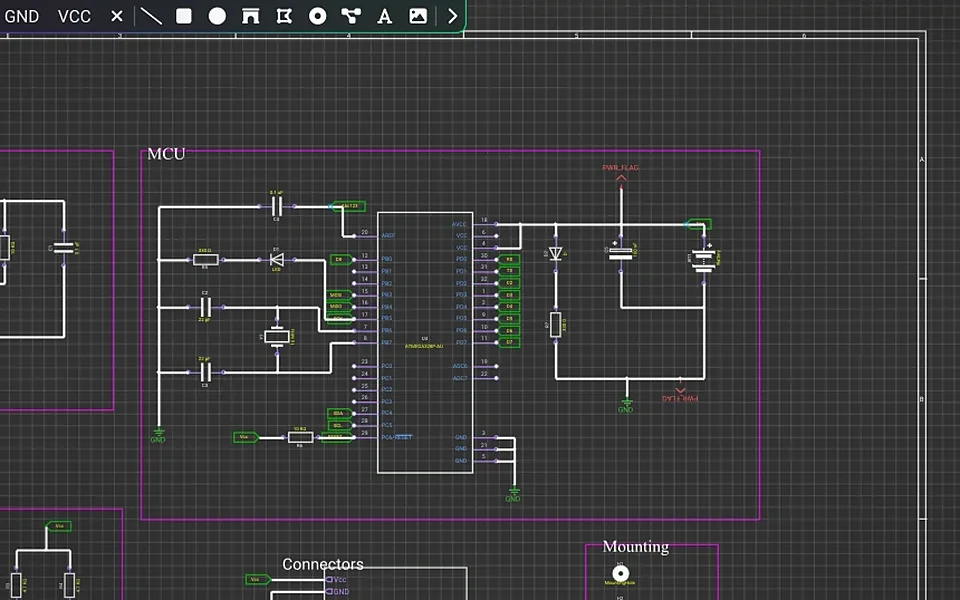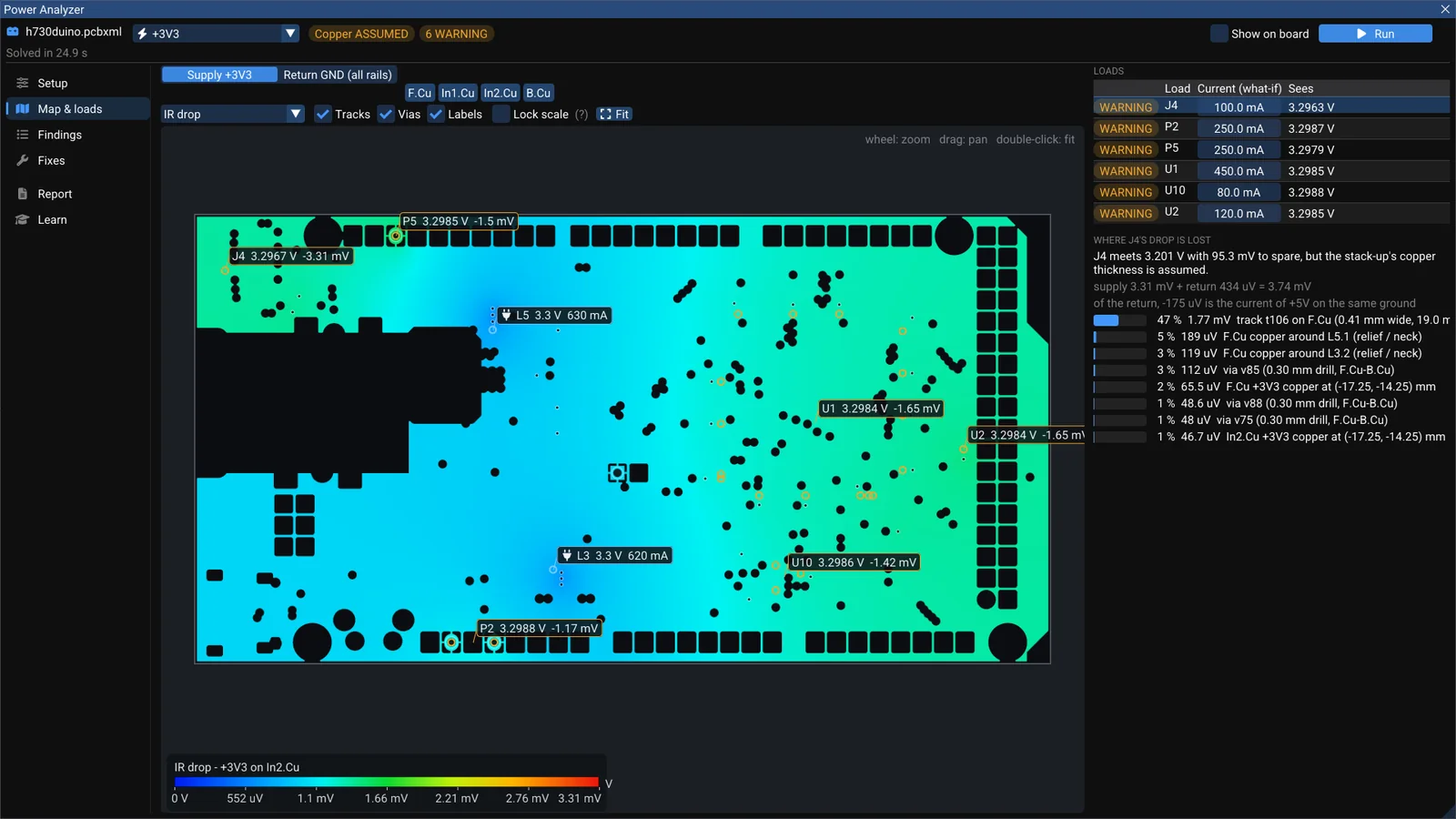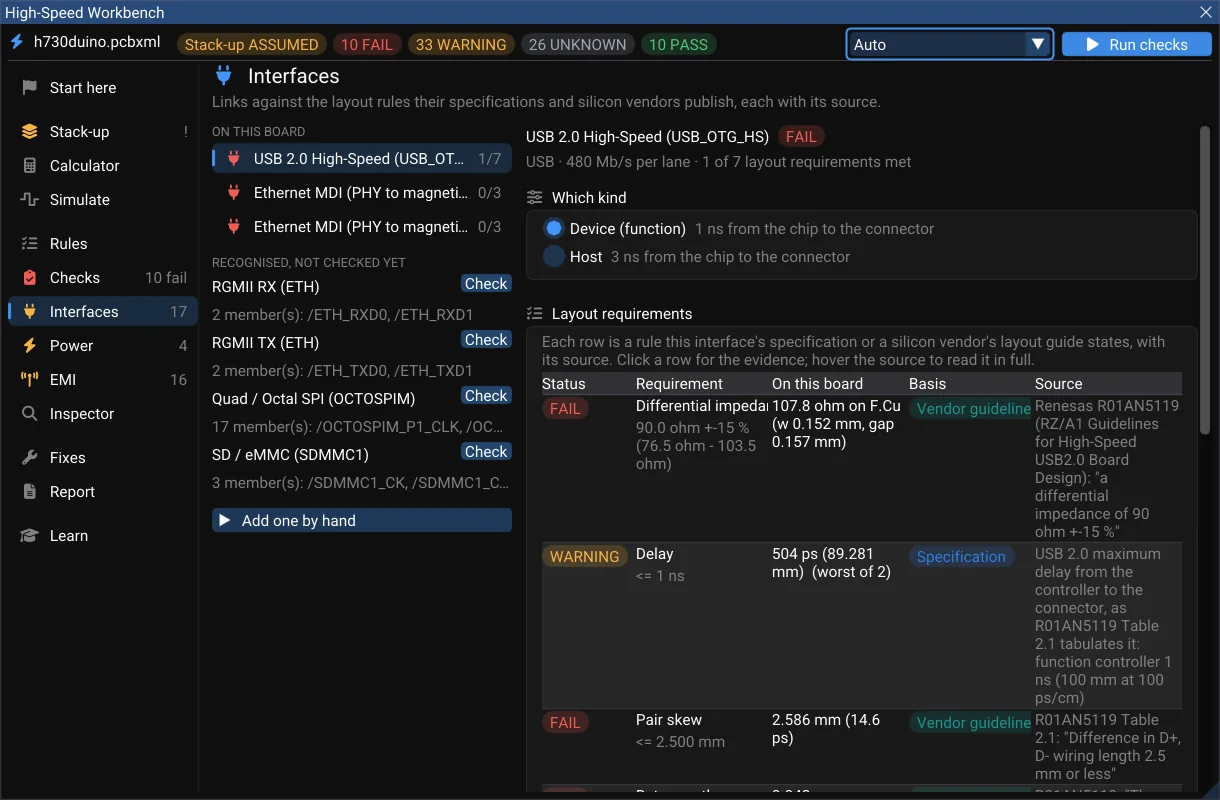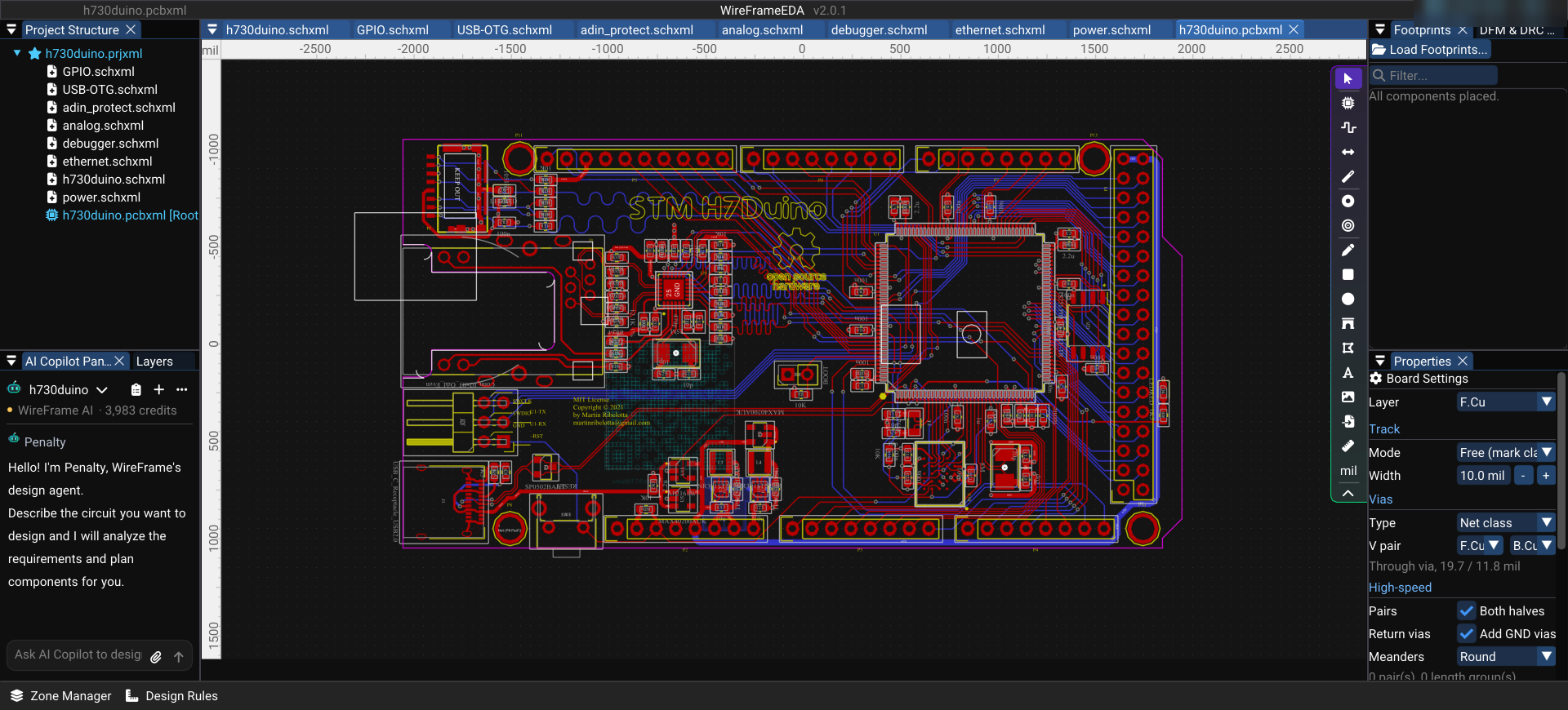
H730duino is an open-source board in the Arduino Mega form factor, built around the STM32H730 (Cortex-M7, 550 MHz) by Martin Ribelotta. It is a great board to learn 4-layer layout from: Ethernet, fast external memory, USB-C, a microSD slot and a protected power stage — all on 101.6 × 53.3 mm.
This post opens the original KiCad project in WireFrame EDA and reads how the board was built.
What is on the board#
| Block | Parts |
|---|---|
| Microcontroller | STM32H730ZBT6 (U1) |
| External memory | HyperRAM S27KL0641 (U10), QSPI flash IS25LP032D (U2) |
| Ethernet | LAN8742A PHY (U9), RJ45 jack (J3) |
| Power | 2 × TPS62162 buck (U3, U4), 3 × MAX40200 ideal diode (U5, U6, U12) |
| Connectors | USB-C (J1), Arduino headers, microSD slot |
Opening it in WireFrame#
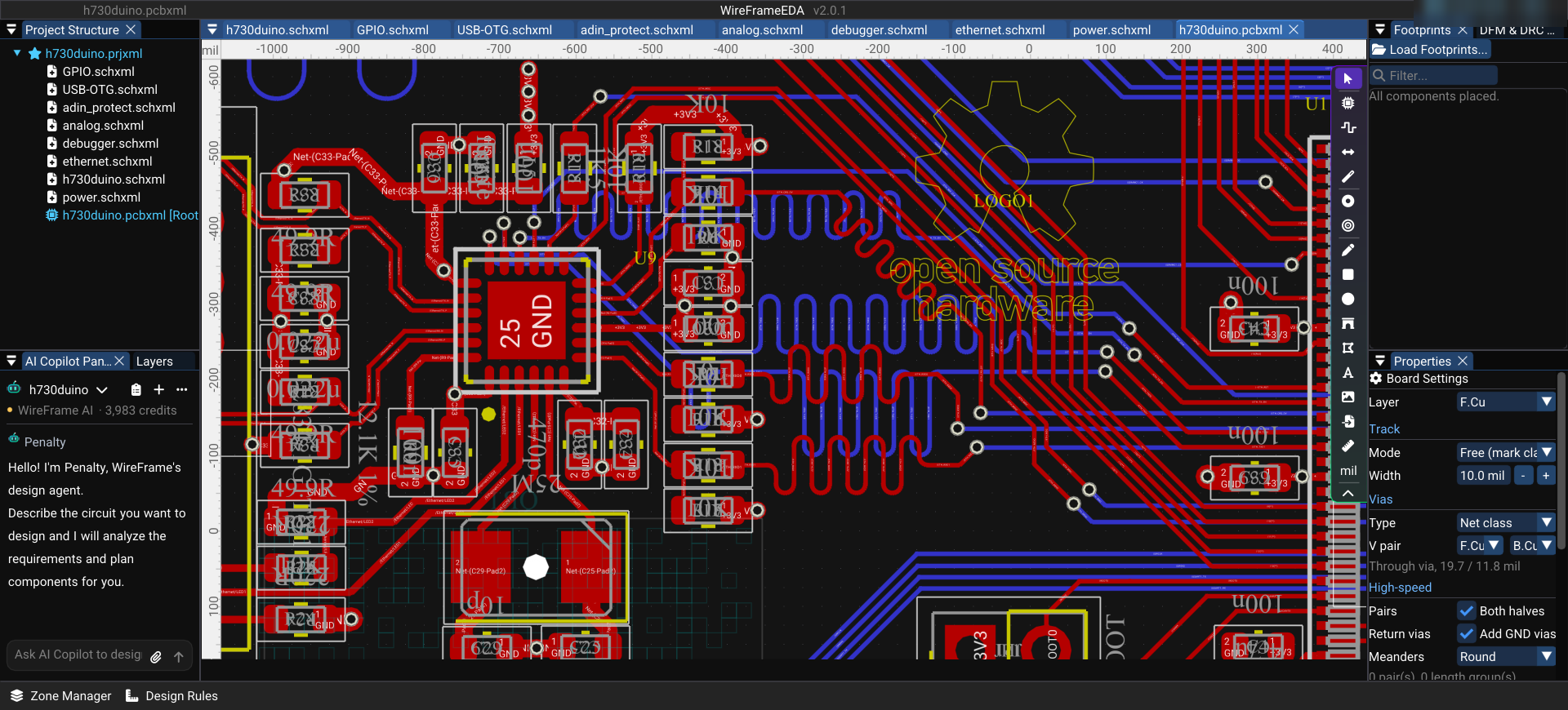
The project is in KiCad 5 format (.pro). In WireFrame choose File › Import › KiCad Project (.kicad_pro, .pro)… and pick h730duino.pro. WireFrame creates a new project (.prjxml, .schxml sheets, .pcbxml board); the KiCad project is left untouched.
Keep reading — it’s free
Sign in or create a WireFrame account to read the rest of this post and every guide on the blog.
- The rest of this post — about 2 min of reading
- The same account signs in the WireFrame desktop app
- Free design tools, no time limit
Sign in to WireFrame
One account for the desktop app and this site.