Moving a KiCad project to WireFrame EDA — libraries, schematics and PCB

How to open a KiCad project (.kicad_pro) in WireFrame EDA, reuse your KiCad symbol and footprint libraries, and what to check after the move.

Moving a KiCad project to WireFrame EDA — libraries, schematics and PCB

Update (2026-11): the AI Copilot is available now (Pro and Max), and File ▸ Export ▸ KiCad Project writes a design back to KiCad — see KiCad to WireFrame EDA and back.

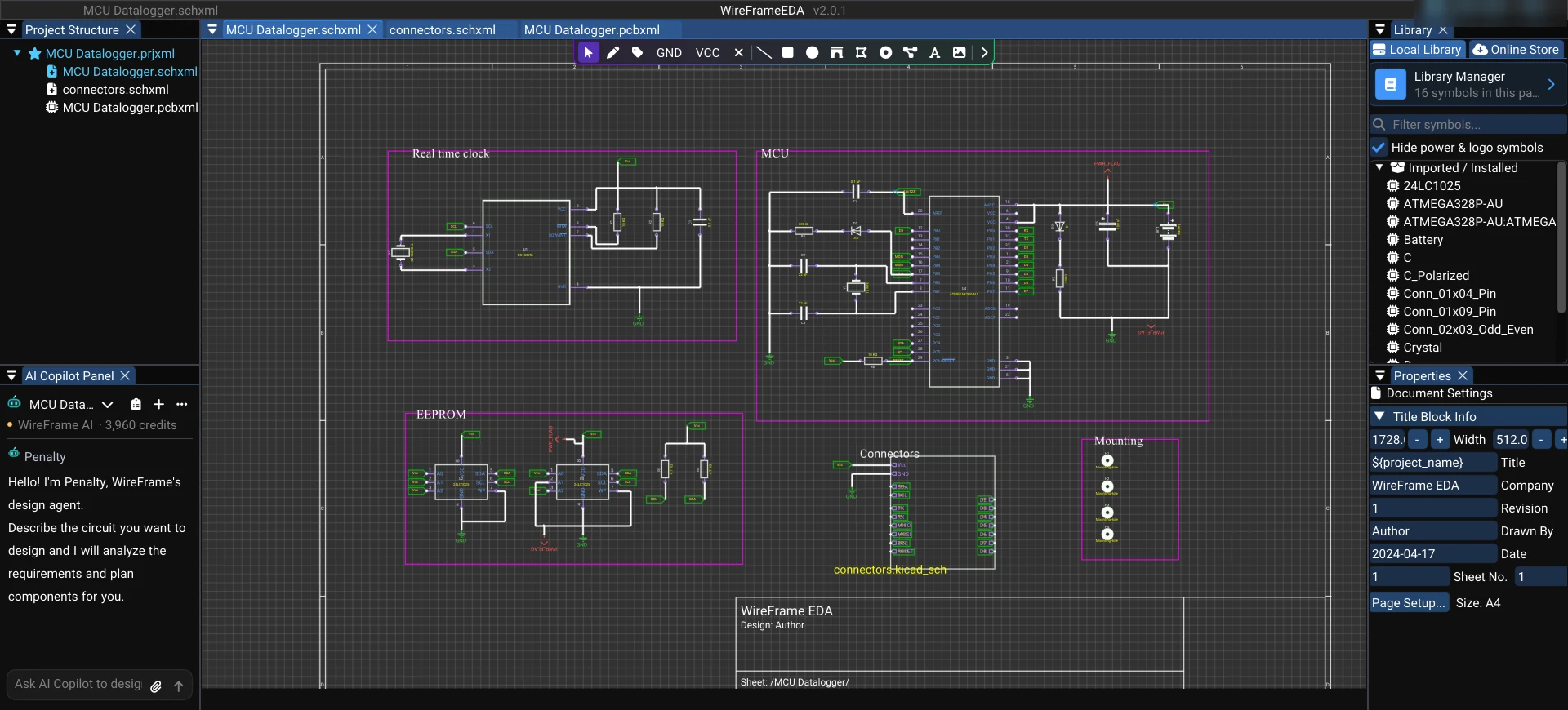
If you have projects in KiCad, you do not need to redraw anything to try WireFrame EDA. WireFrame reads KiCad libraries and opens KiCad projects directly.

Libraries: reuse them as they are#

WireFrame reads KiCad symbol (.kicad_sym) and footprint (.kicad_mod) libraries directly. A project's own libraries are stored next to it (in a lib_<project> folder) in KiCad format, so KiCad can still open them.

Using Altium Designer as well? WireFrame imports Altium libraries (symbols and footprints) too, so you can bring parts in from both sides.

For members

Keep reading — it’s free

Sign in or create a WireFrame account to read the rest of this post and every guide on the blog.

  • The rest of this post — about 2 min of reading
  • The same account signs in the WireFrame desktop app
  • Free design tools, no time limit

Sign in to WireFrame

One account for the desktop app and this site.
or with email
Forgot password?

Related posts

KiCad to WireFrame EDA and back: 72/72 round trips identical

Open a KiCad project in WireFrame EDA, work on it and export it back to KiCad: what comes across, what to check, and how the round trip was measured.

How to design a PCB with Claude over MCP in WireFrame EDA

Connect Claude, Codex or Cursor to WireFrame EDA over MCP and let your own agent design the board you have open: setup, the Allow step, what is counted.

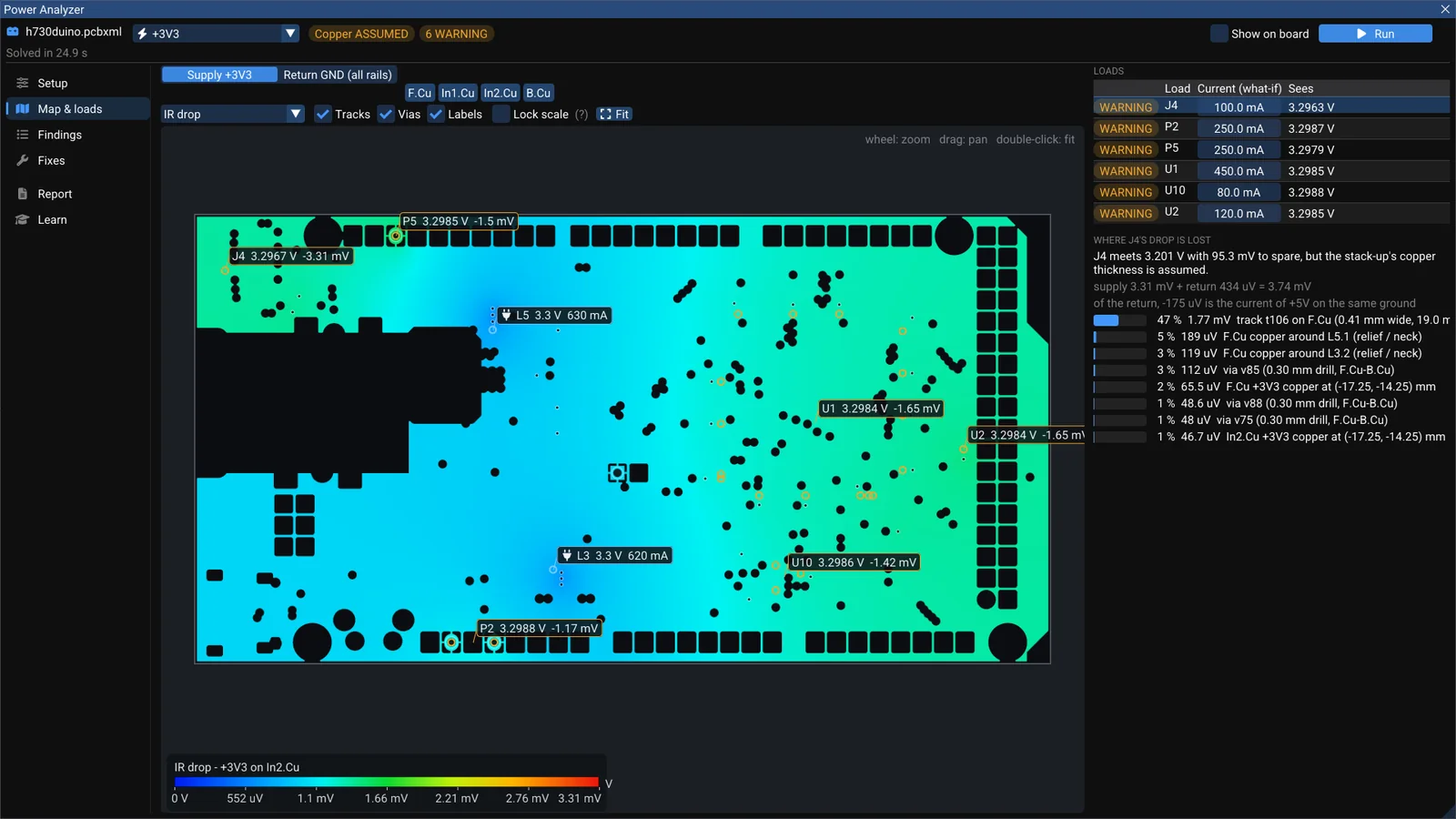
Where does your 3.3 V go? DC IR drop on a real board

WireFrame's Power Analyzer solves a rail's real copper — supply and return — and splits each load's voltage drop exactly over the tracks, necks and vias that cause it. A walk through the +3V3 rail of the open-source h730duino.